Product updates
Add your photos of the dishes you love
Add your own photo to any dish on Nearbites, or upload one from your feed. Photos are checked, then shared with diners choosing what to eat.
Product updates
Add your own photo to any dish on Nearbites, or upload one from your feed. Photos are checked, then shared with diners choosing what to eat.
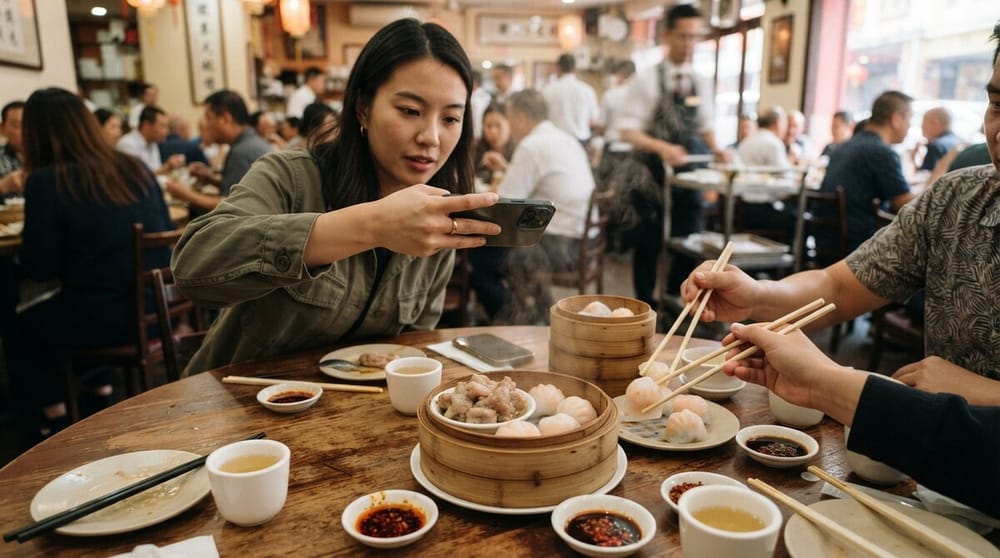
On Nearbites you choose with your eyes: every dish has a photo, so you know what you're ordering before it arrives. Now diners can add their own. If you've had a dish, you can show everyone what it really looks like on the plate.
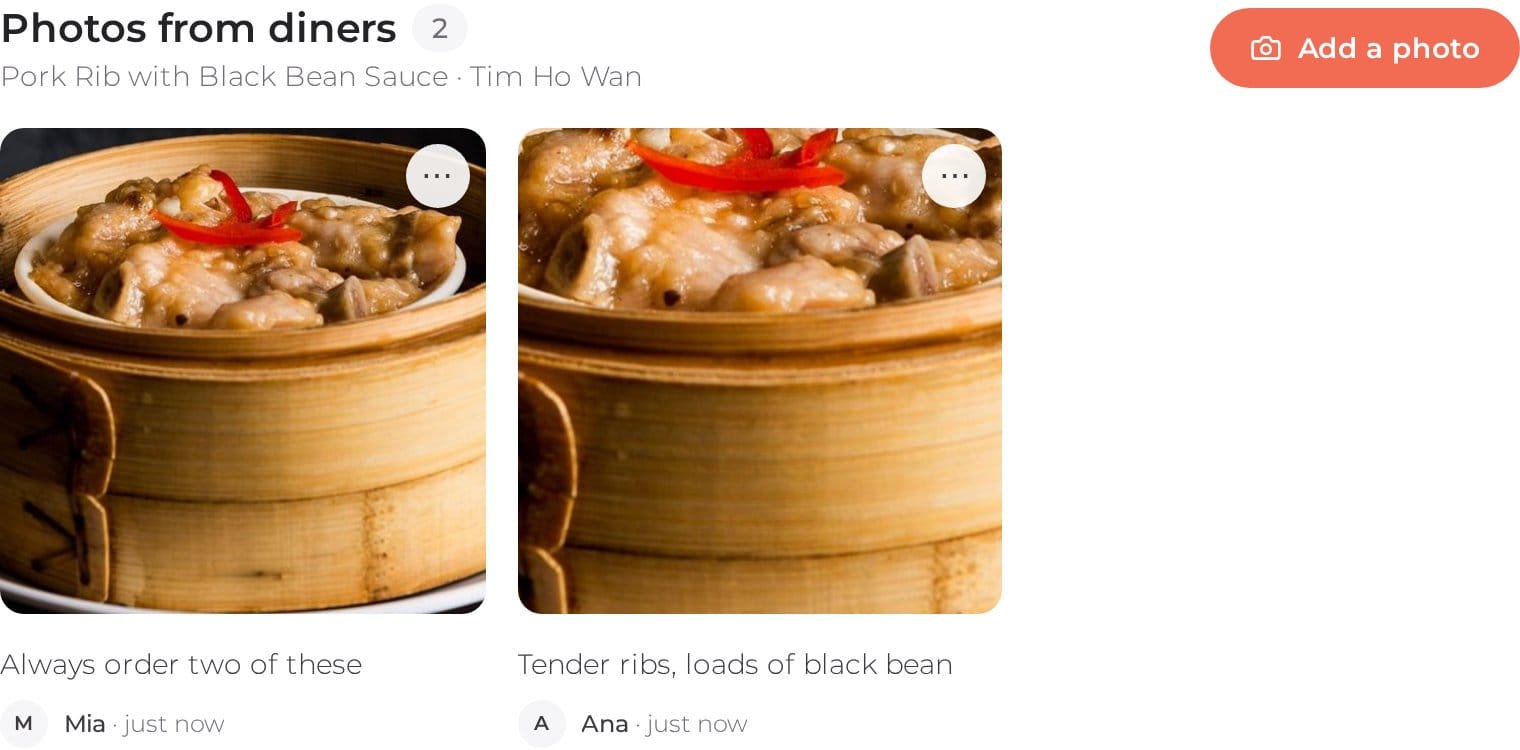
Open any dish and scroll down to Photos from diners. You'll see what other people were served, newest first, with their caption and when they took it. It's the honest view: the real portion, the real plating, on a real night.
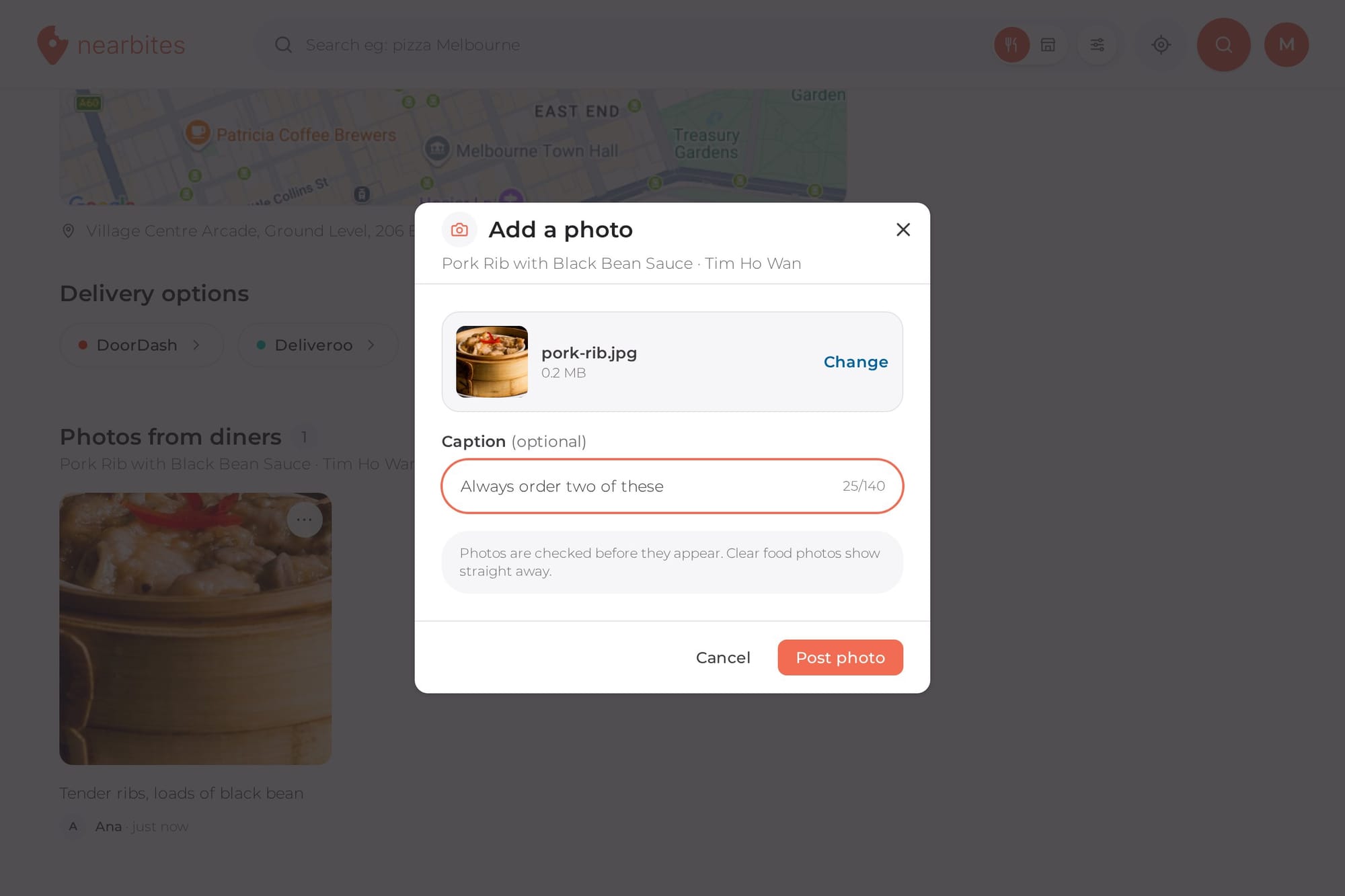
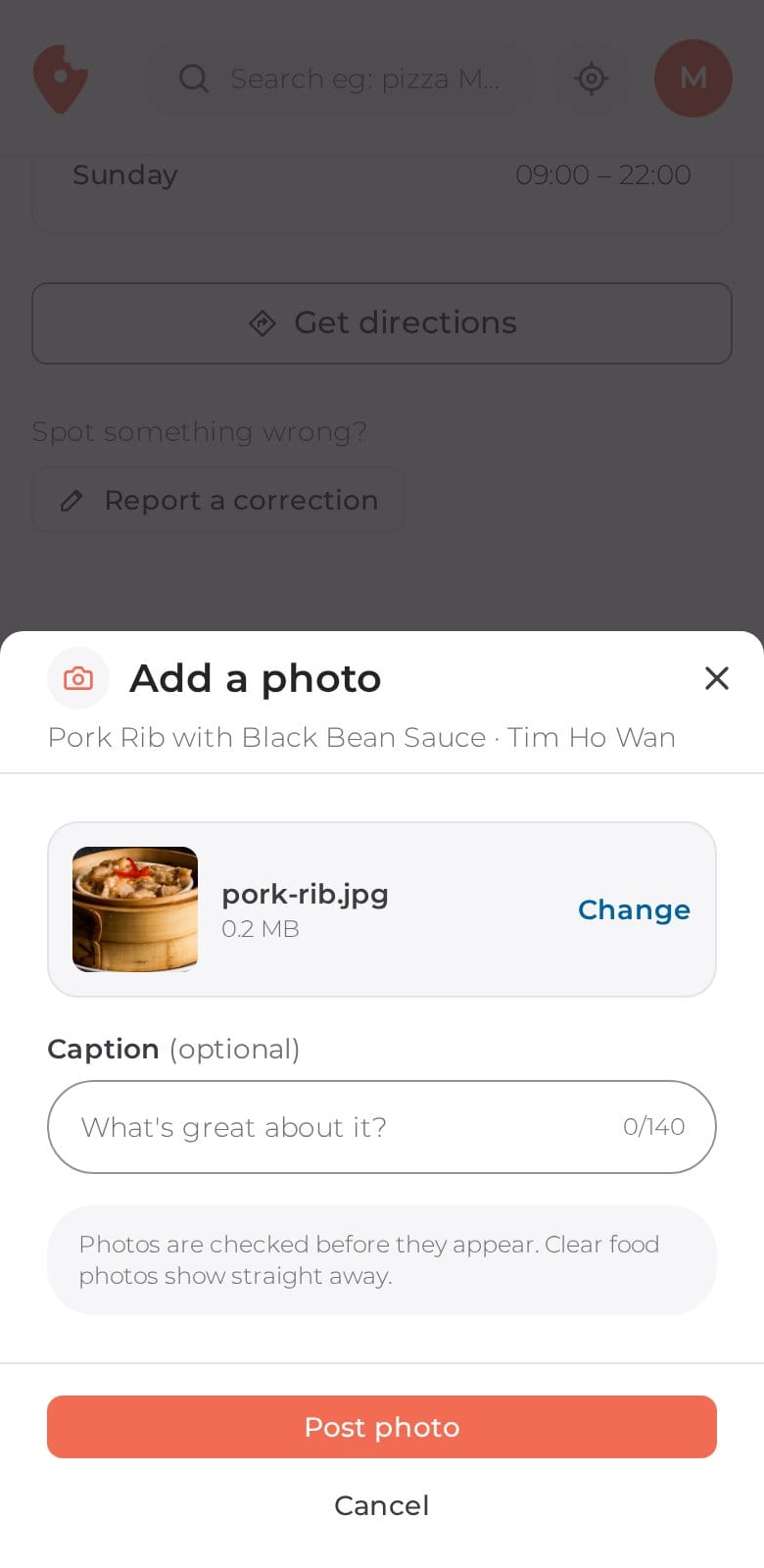
Had it? Tap Add a photo on the dish, choose a photo from your phone or drag one in, add a caption if you like ("silky skins, plenty of soup"), and tap Post photo. That's it. Your photo also goes into your feed, so the people who follow you see it too.
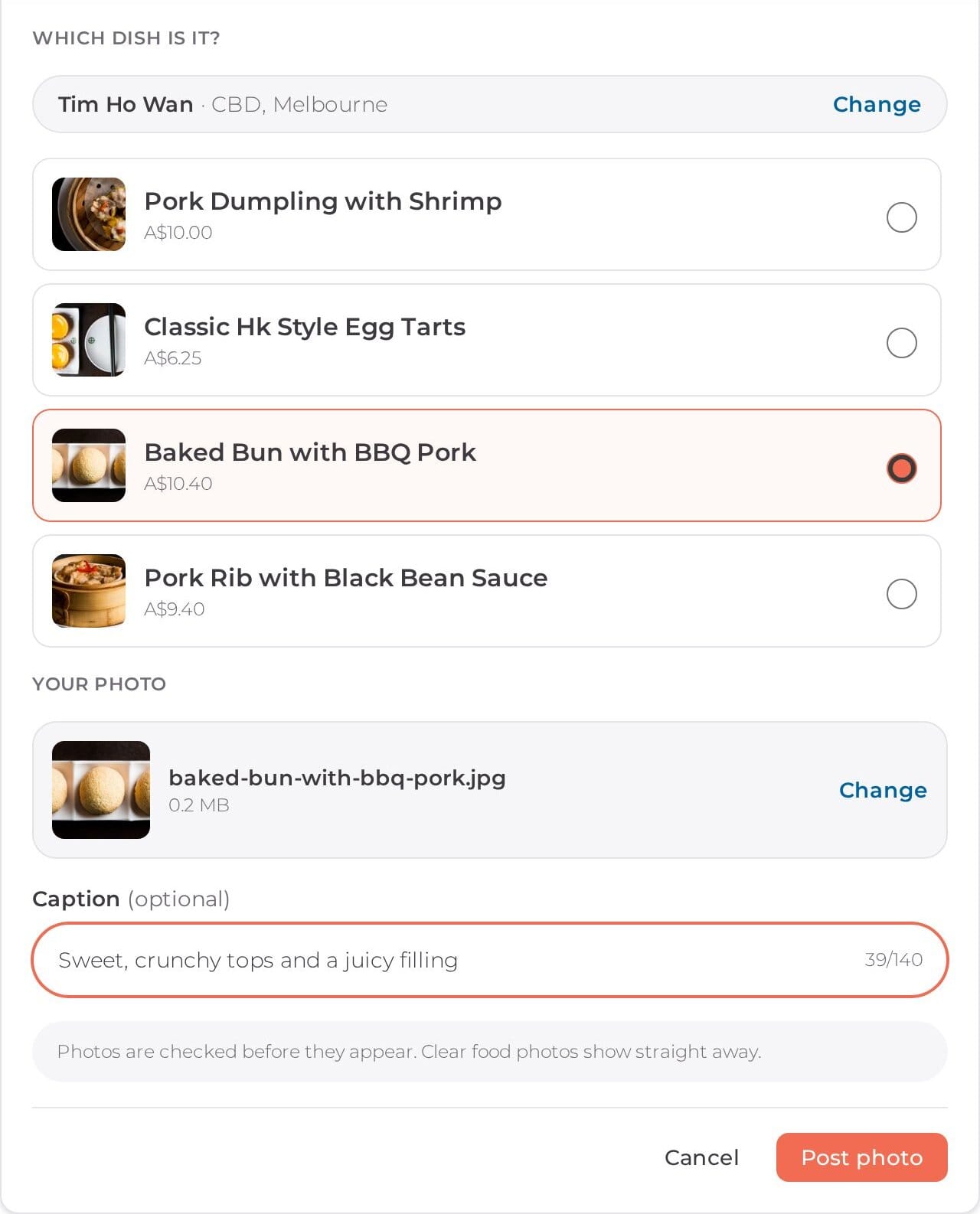
You can also add a photo without finding the dish first. In your feed, tap Upload photo, search for the restaurant, pick the dish from its menu, and post. It sits right next to I ate somewhere, so you can record the meal and share the photo from the same place.
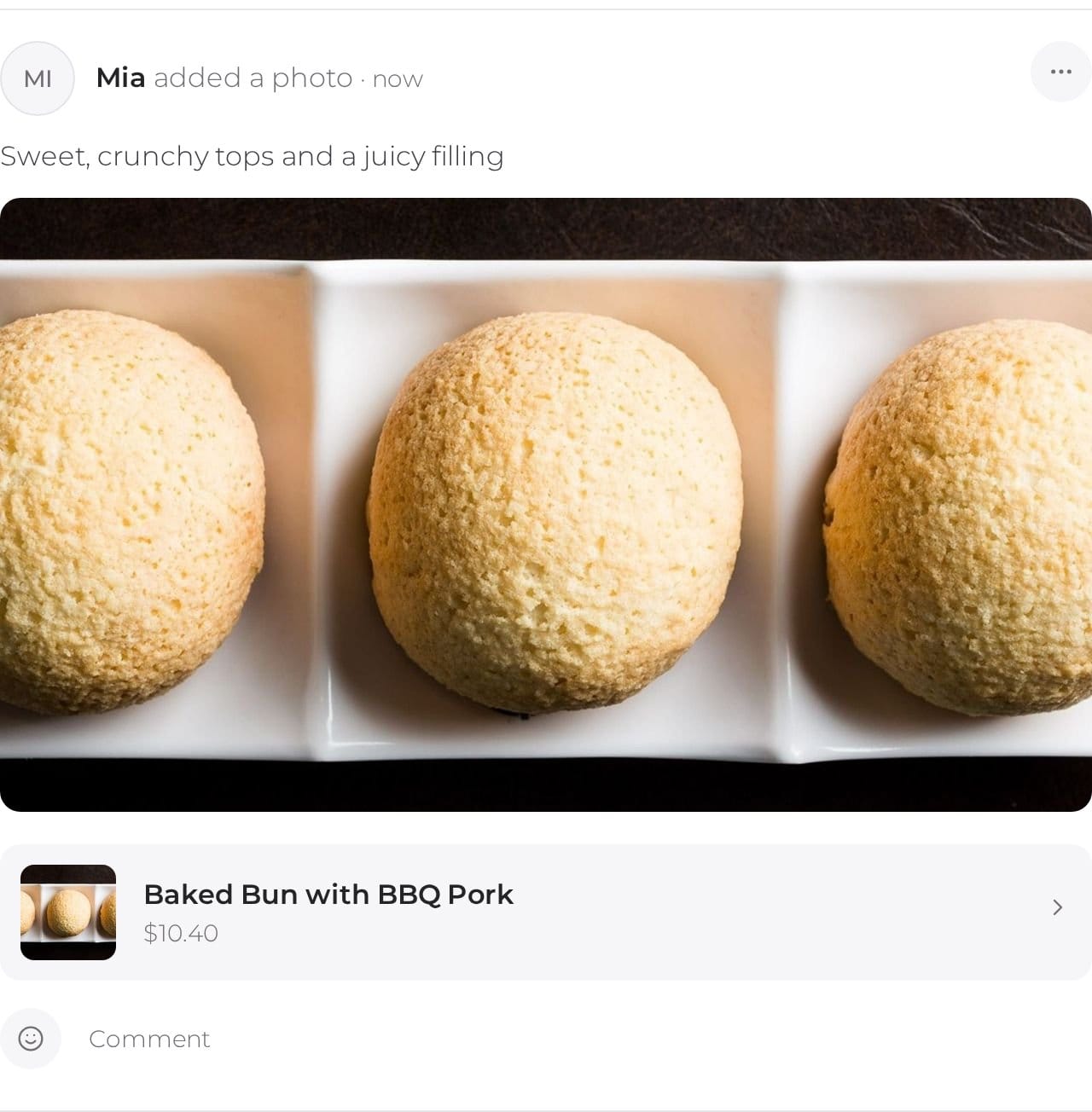
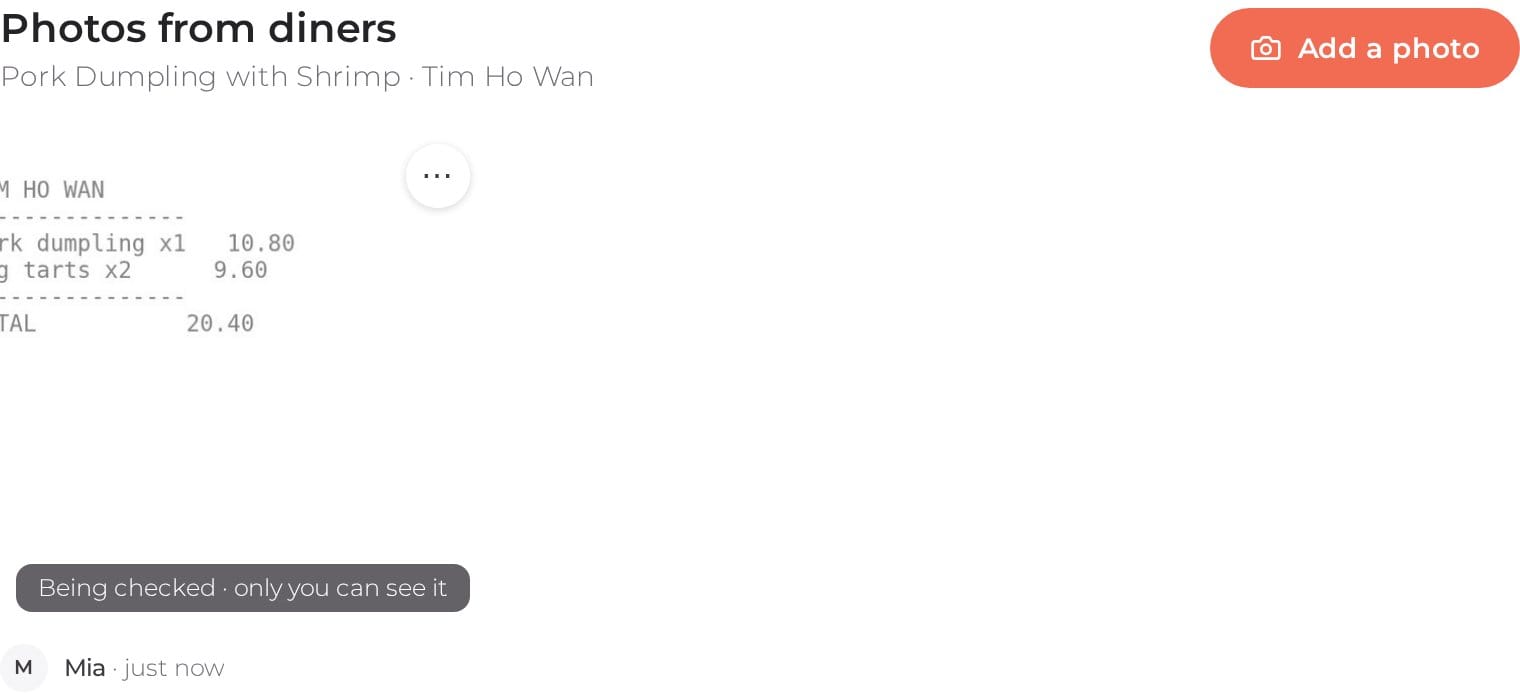
Every photo is checked before anyone else sees it, so Nearbites stays about food. Clear photos of the dish go up straight away. If we're not sure, say it's blurry, it's a menu, or it doesn't look like the dish, our team takes a look first. Until then you'll see Your photo is being checked, and only you can see it.
Spot a photo that isn't right? Tap the ⋯ on it and choose Report photo. You can delete your own photos the same way, any time.
It's built for the table. Snap the dish, tap Add a photo, and post it before you take the first bite.
Some dishes on Nearbites don't have a photo yet. If yours is the first, it becomes the dish's photo, and the dish starts showing up in search and on the home page for everyone choosing what to eat. One photo can put a dish on the map.
Nearbites helps food lovers around the world find dishes by what they look like, starting with thousands of restaurants across Australia. Now every diner can help. Next time you're out, take a photo before the first bite and add it to Nearbites.
Product updates
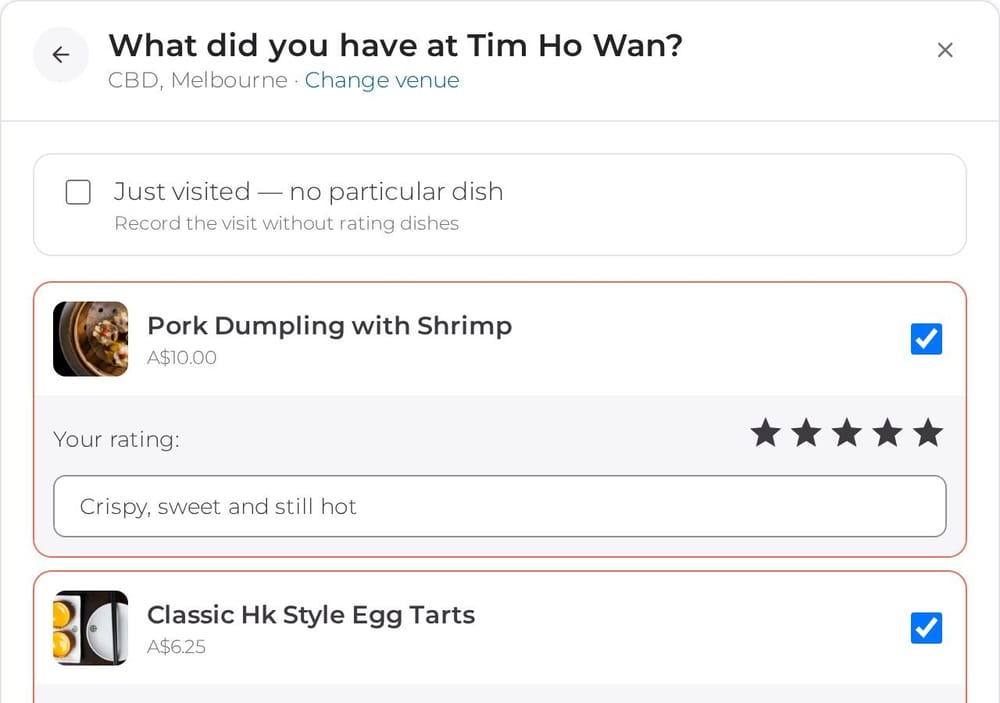
Tap I ate somewhere in your Nearbites feed, pick the restaurant, tick every dish you had with a rating and a note, and record the whole meal at once.
· 1 min read
Product updates
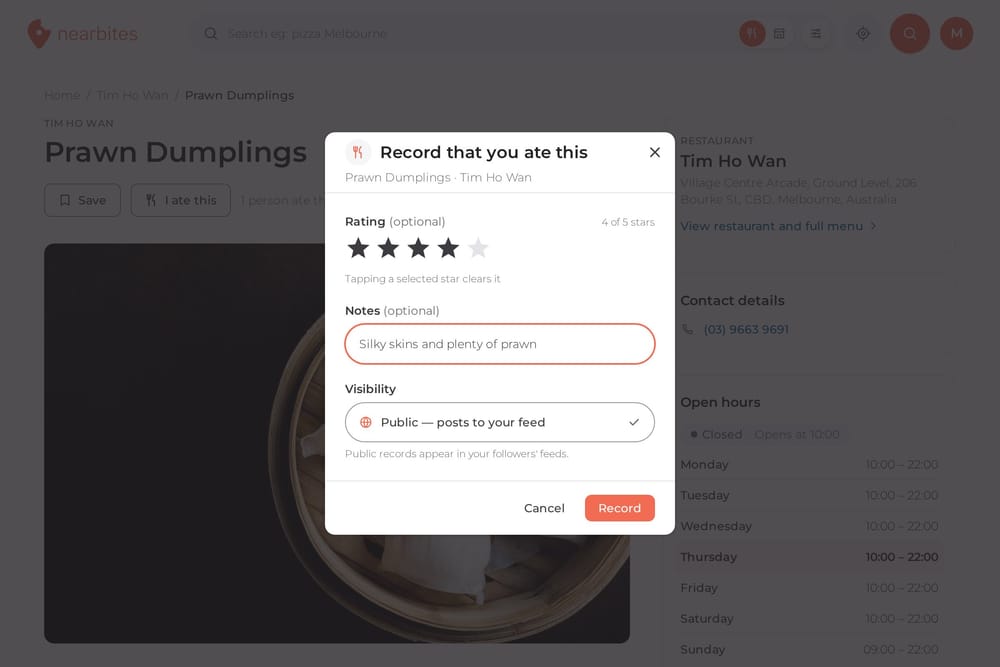
Tap I ate this on any dish on Nearbites to remember it: add a star rating and a note, share it with your followers or keep it private.
· 1 min read
Product updates
Rate and review individual dishes and restaurants on Nearbites, see star breakdowns at a glance, and read owners' replies.
· 1 min read