Product updates
Record a whole meal out in one go
Tap I ate somewhere in your Nearbites feed, pick the restaurant, tick every dish you had with a rating and a note, and record the whole meal at once.
Product updates
Tap I ate somewhere in your Nearbites feed, pick the restaurant, tick every dish you had with a rating and a note, and record the whole meal at once.
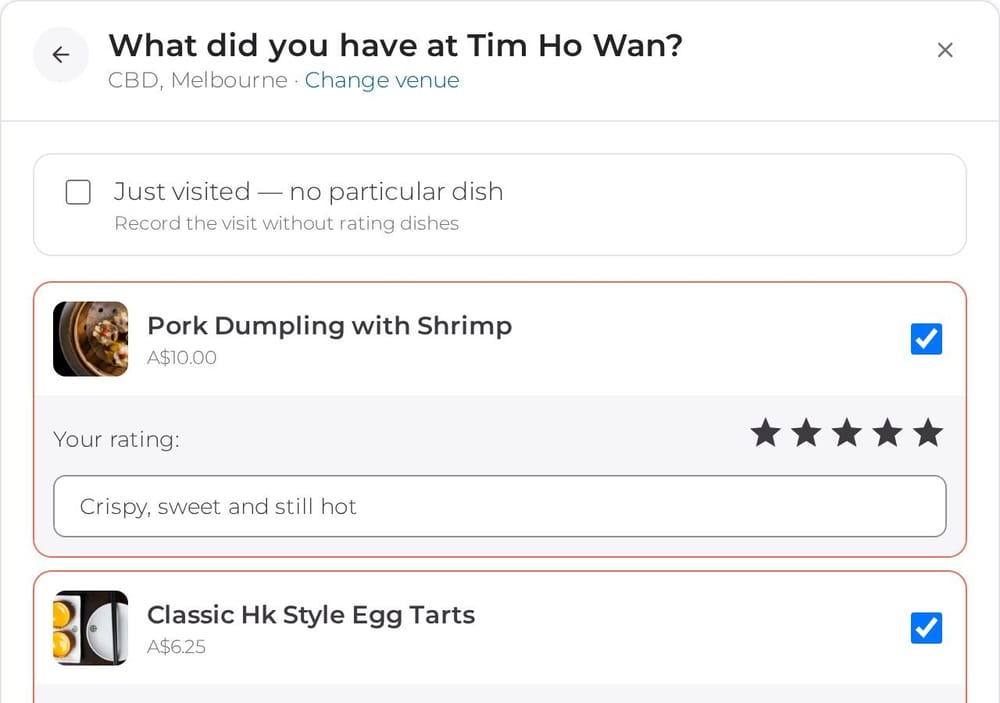
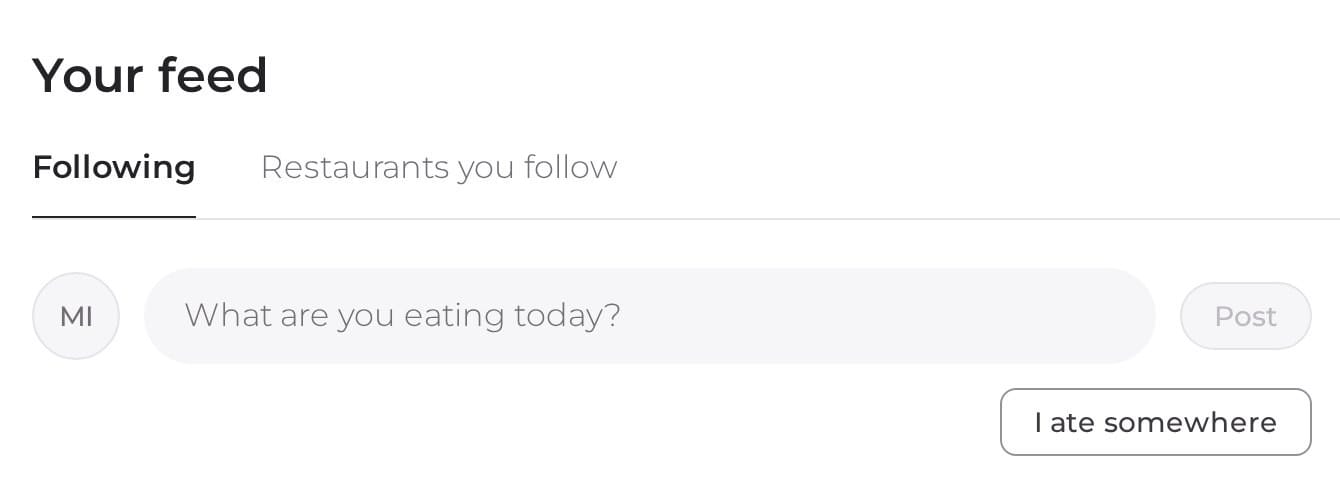
Some meals are worth remembering dish by dish. Yum cha with the team, a long lunch with friends, the place you finally tried after walking past it for months. Now you can record the whole meal on Nearbites in one go, straight from your feed: tap I ate somewhere.
Open your feed and you'll see I ate somewhere under the box where you write a post. Tap it and Nearbites asks one simple question: where did you eat?
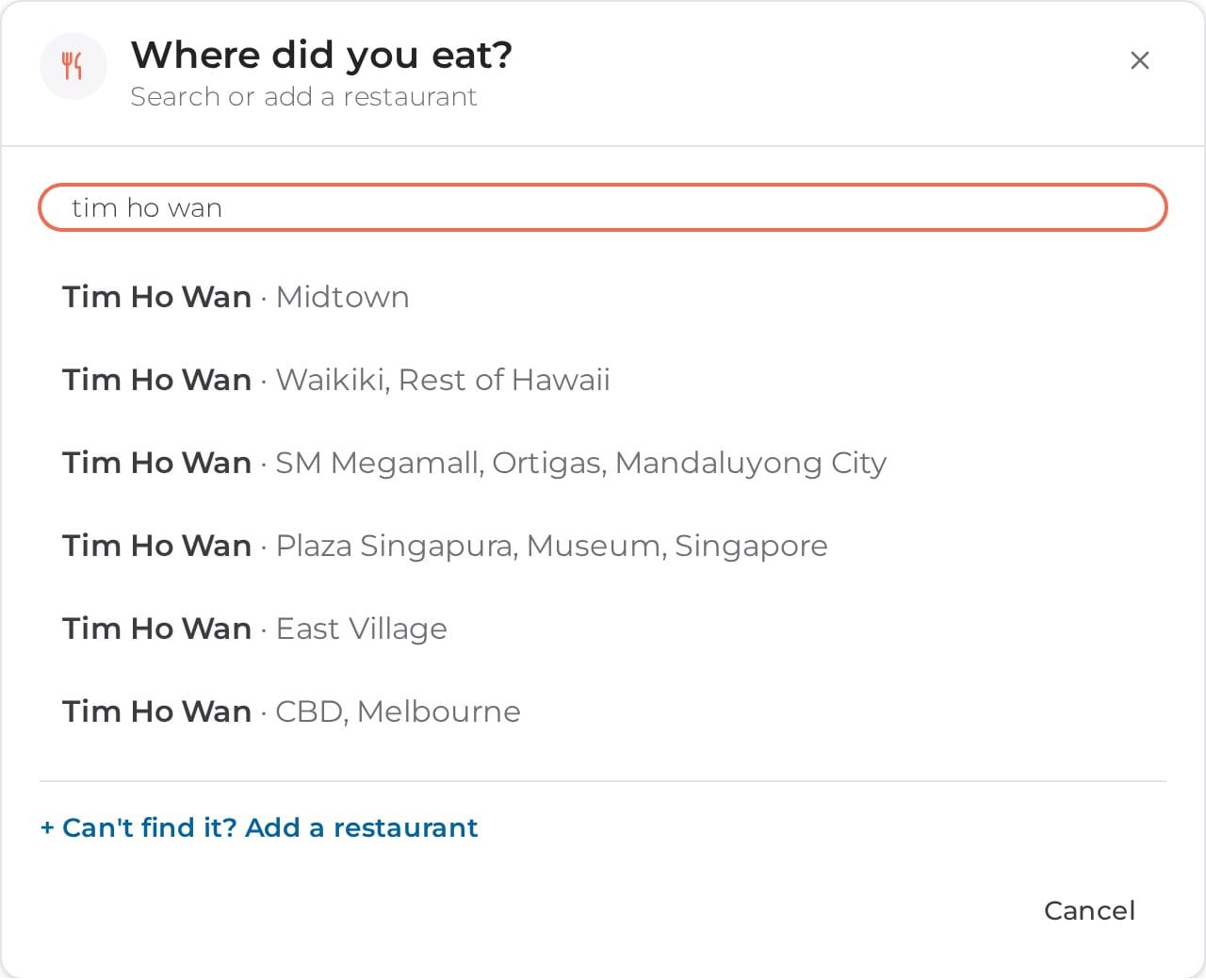
Start typing the restaurant's name and pick it from the list. Nearbites lists restaurants around the world, so you'll see every branch with its suburb or city to choose the right one.
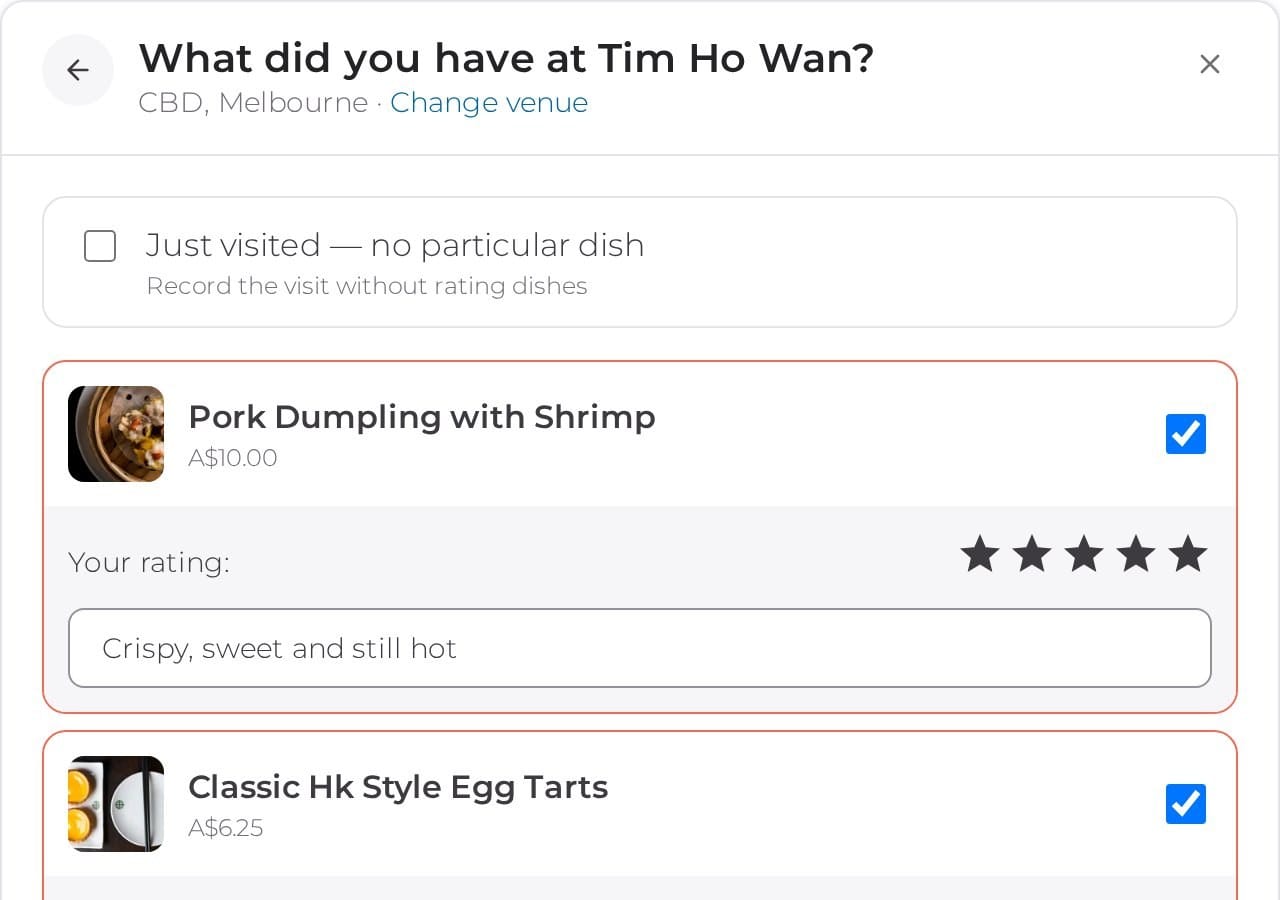
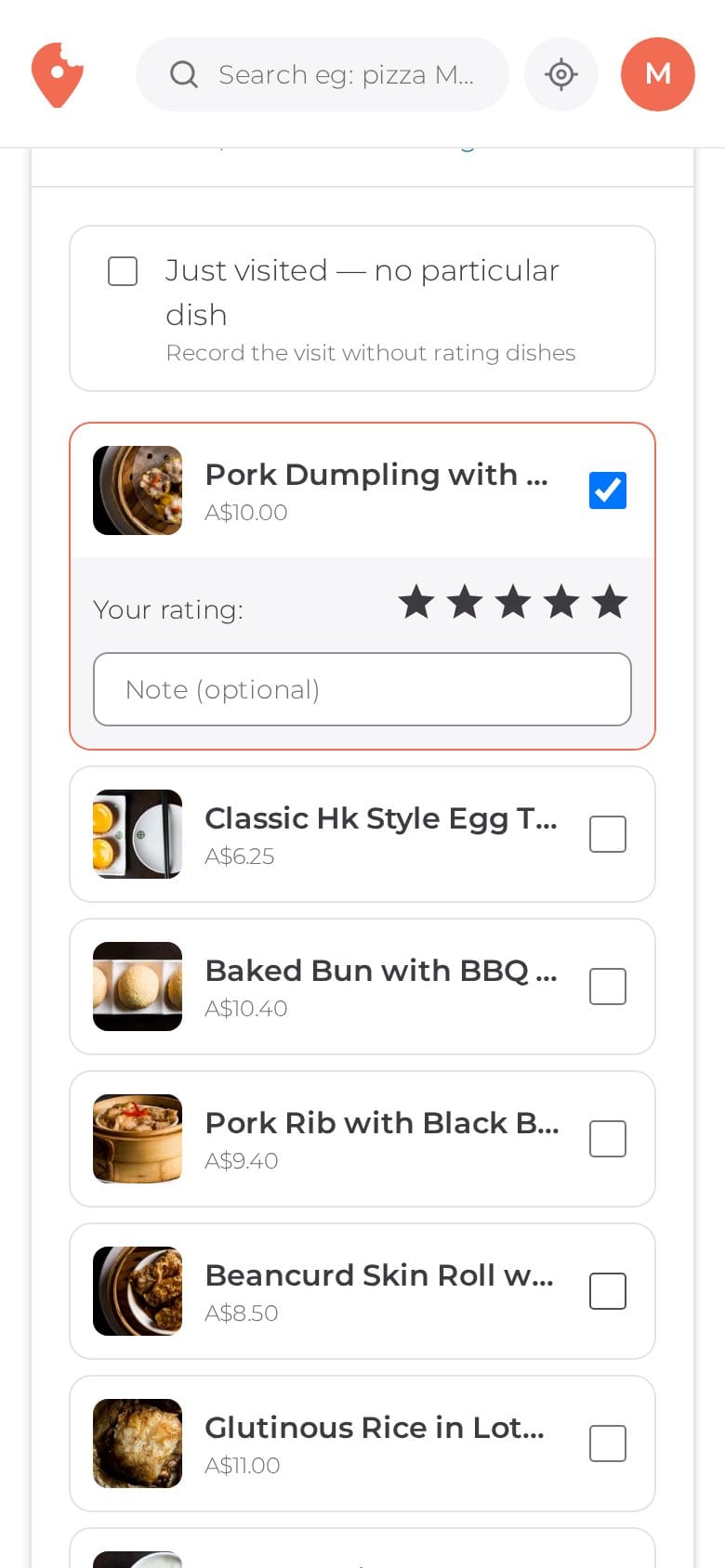
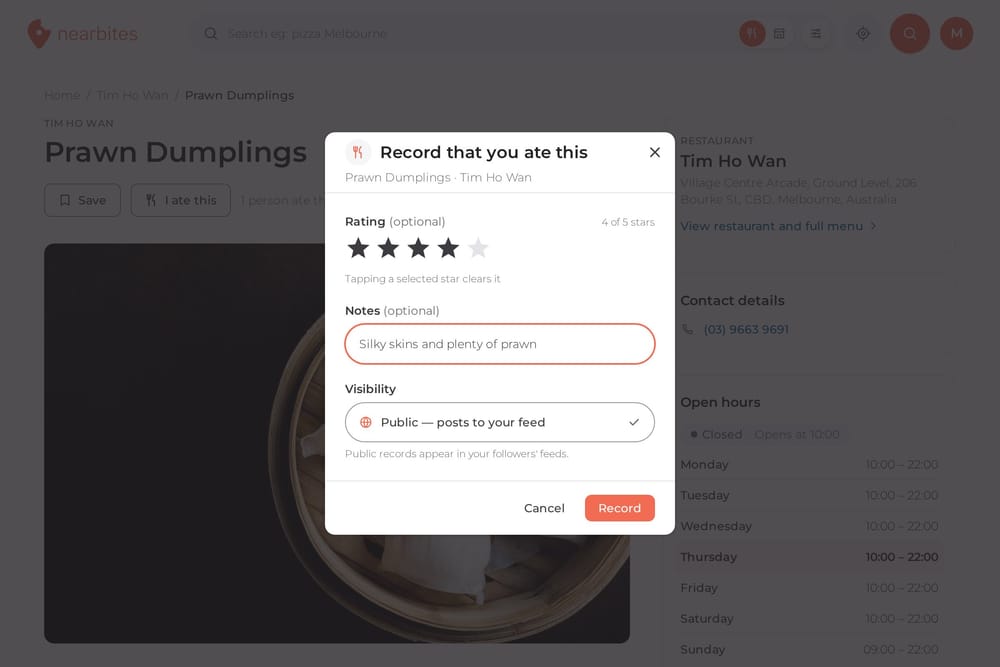
Next you'll see the restaurant's menu, with a photo of each dish, because when you're remembering a meal you want to see the food. Tick everything you had. For each dish you can add:
Didn't have anything in particular, or just stopped by for a coffee? Tick Just visited instead.
At the bottom, add a note about the whole meal if you like, and choose Public to share it with your followers or Private to keep it to yourself. Then tap Record, and every dish is saved at once.
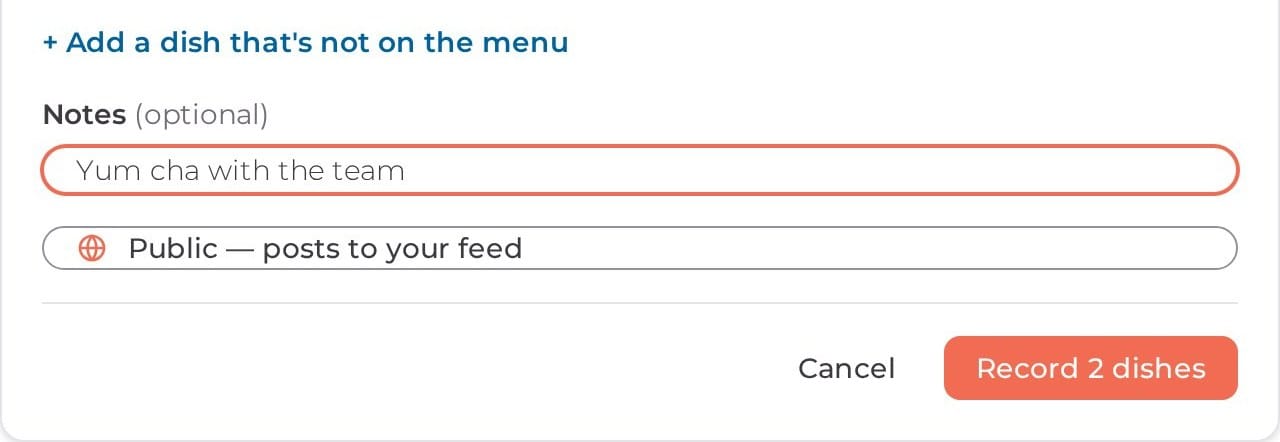
Each dish you record shows as Eaten on its page and on the restaurant's menu, just like when you tap I ate this on a dish. Your stars count towards each dish's rating too.
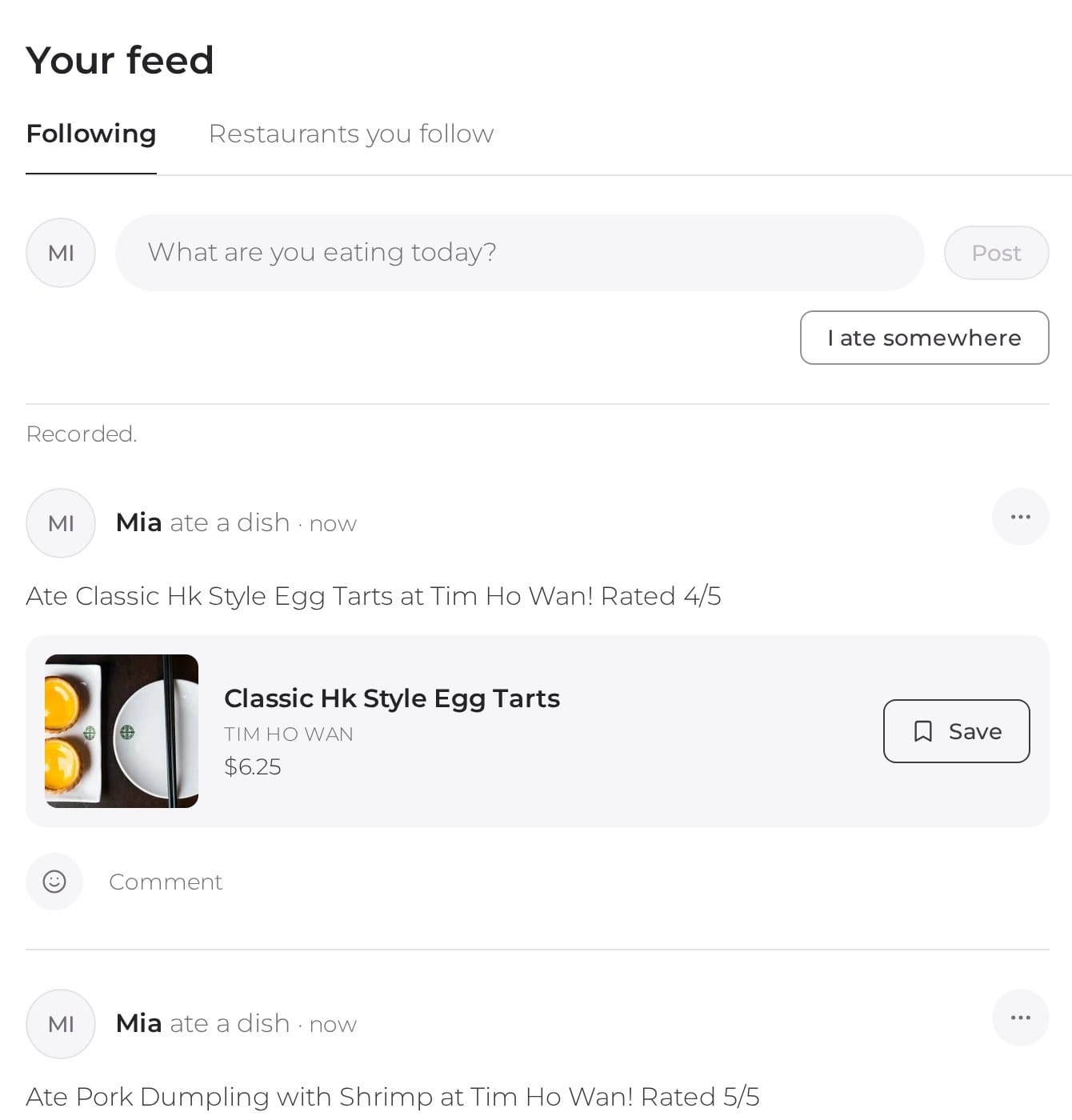
Public meals appear in your feed straight away, one post per dish with its photo, so the people who follow you can see what you ordered and save it to their own lists.
Ate somewhere that isn't on Nearbites, or had a dish that isn't on the menu yet? You can still record it. Tap Can't find it? Add a restaurant, or Add a dish that's not on the menu, and type in what you know.
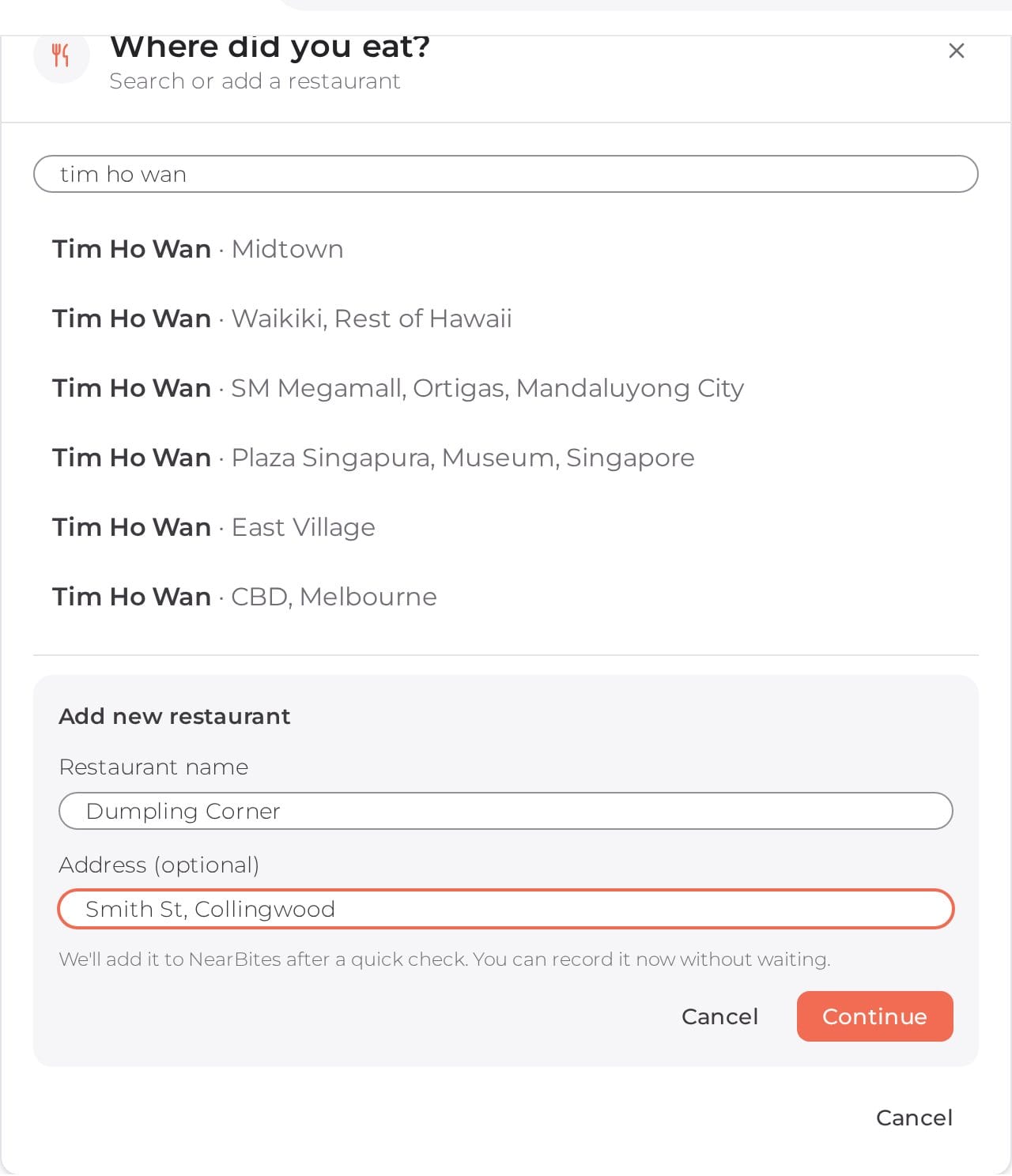
We give new places and dishes a quick check first, so Nearbites stays accurate. If the restaurant has an owner on Nearbites, they see your dish and can add it to their menu themselves. Either way, your meal is recorded as soon as it's on Nearbites, dated to when you ate it.
It's made for the table. Open your feed on your phone, tick what you had, and record it before the bill arrives.
Nearbites helps food lovers around the world find dishes by what they look like, starting with thousands of restaurants across Australia. With I ate this on every dish and I ate somewhere in your feed, it now remembers every meal too. Open your feed and record your last meal out.
Product updates
Tap I ate this on any dish on Nearbites to remember it: add a star rating and a note, share it with your followers or keep it private.
· 1 min read

Product updates
Rate and review individual dishes and restaurants on Nearbites, see star breakdowns at a glance, and read owners' replies.
· 1 min read

Product updates
Our new homepage opens on dishes, not a list of restaurants: meals and restaurants near you, new dishes, curated food lists and top foodies, all with photos.
· 1 min read