Product updates
Follow other food lovers on Nearbites
Every Nearbites diner now has a public profile with their food lists. Follow the people whose taste you trust and see who follows you.
Product updates
Every Nearbites diner now has a public profile with their food lists. Follow the people whose taste you trust and see who follows you.
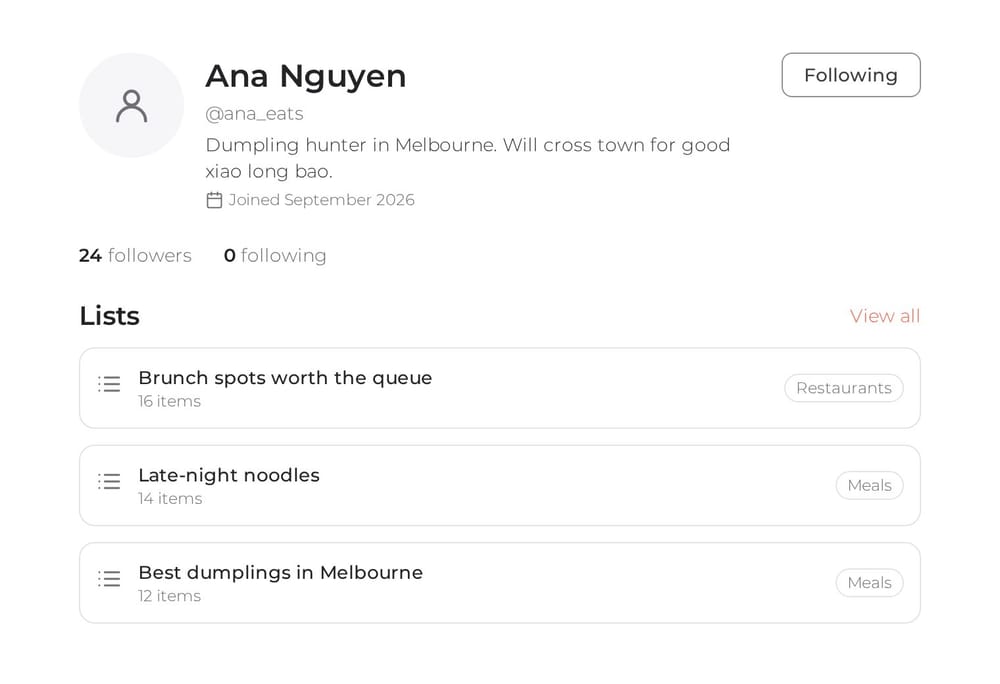
The best food tips usually come from people, not star ratings. The friend who always knows the new ramen spot. The colleague who has tried every banh mi near the office. Starting today you can find those people on Nearbites, see what they love, and follow them.
Every Nearbites account now has a public profile at nearbites.com/user/your-username. It shows your name, photo and a short bio, when you joined, and the public food lists you've made, like Late-night noodles or Brunch spots worth the queue.
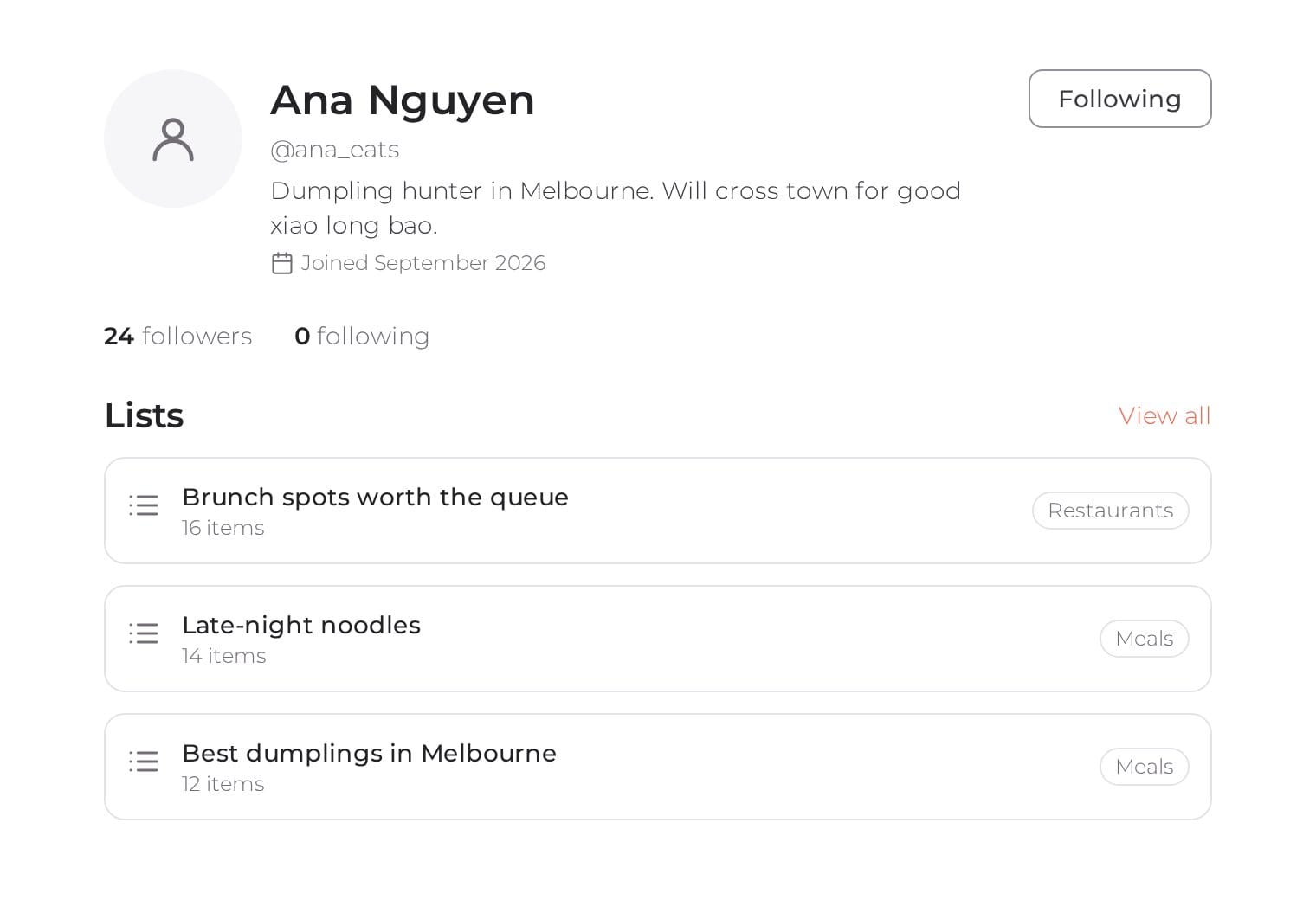
Your private lists stay private. Only the lists you've made public appear on your profile, so you decide what people see. To change your name, photo or bio, open your profile and tap Edit profile, or find Profile at the top of your account menu.
Found someone whose lists read like your dream week of dinners? Tap Follow on their profile. The button changes to Following, and tapping it again unfollows them, no questions asked.
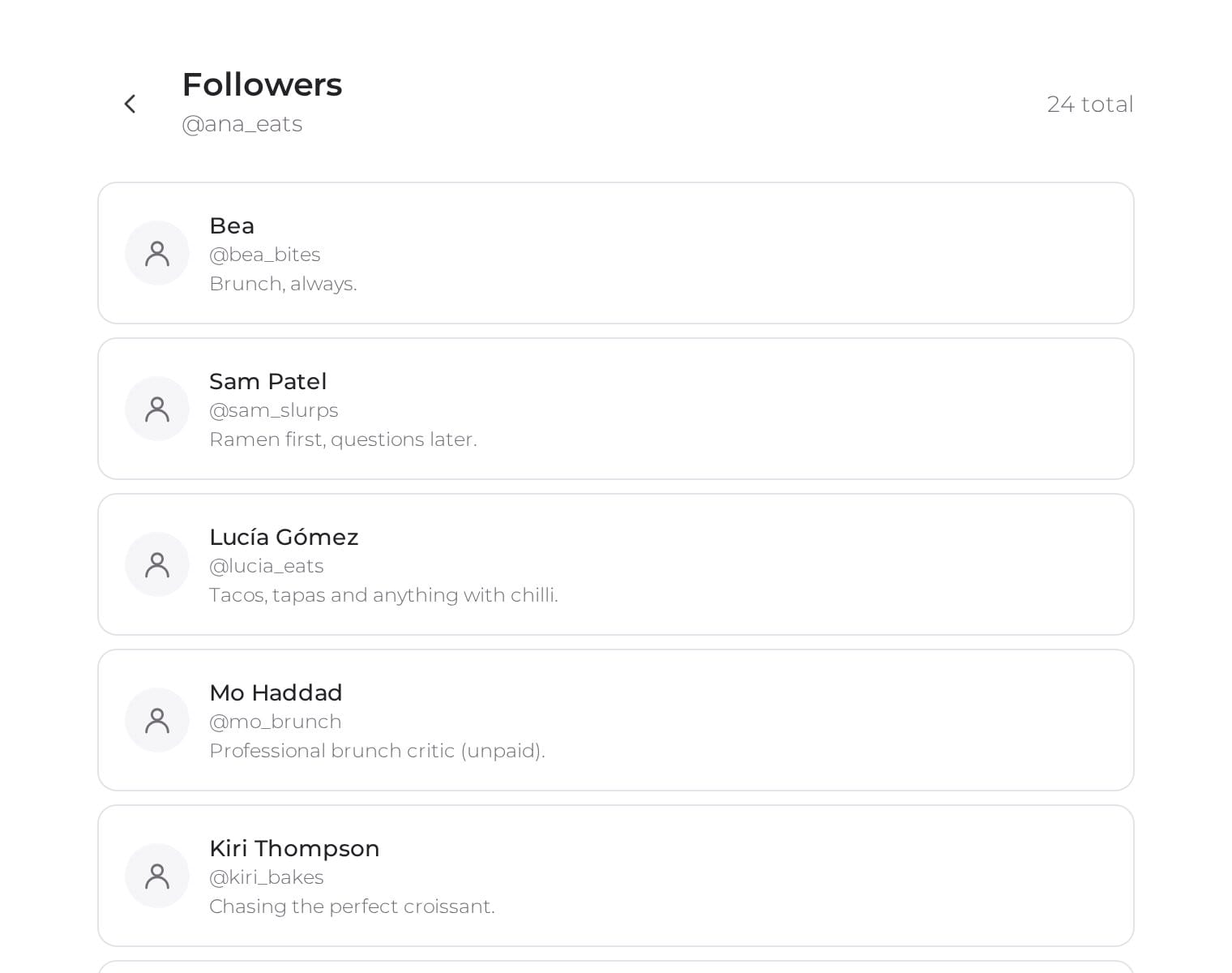
Every profile shows how many followers a person has and how many people they follow. Tap either number to see the people behind it, and tap anyone in the list to visit their profile. It's an easy way to find new food lovers through the ones you already like.
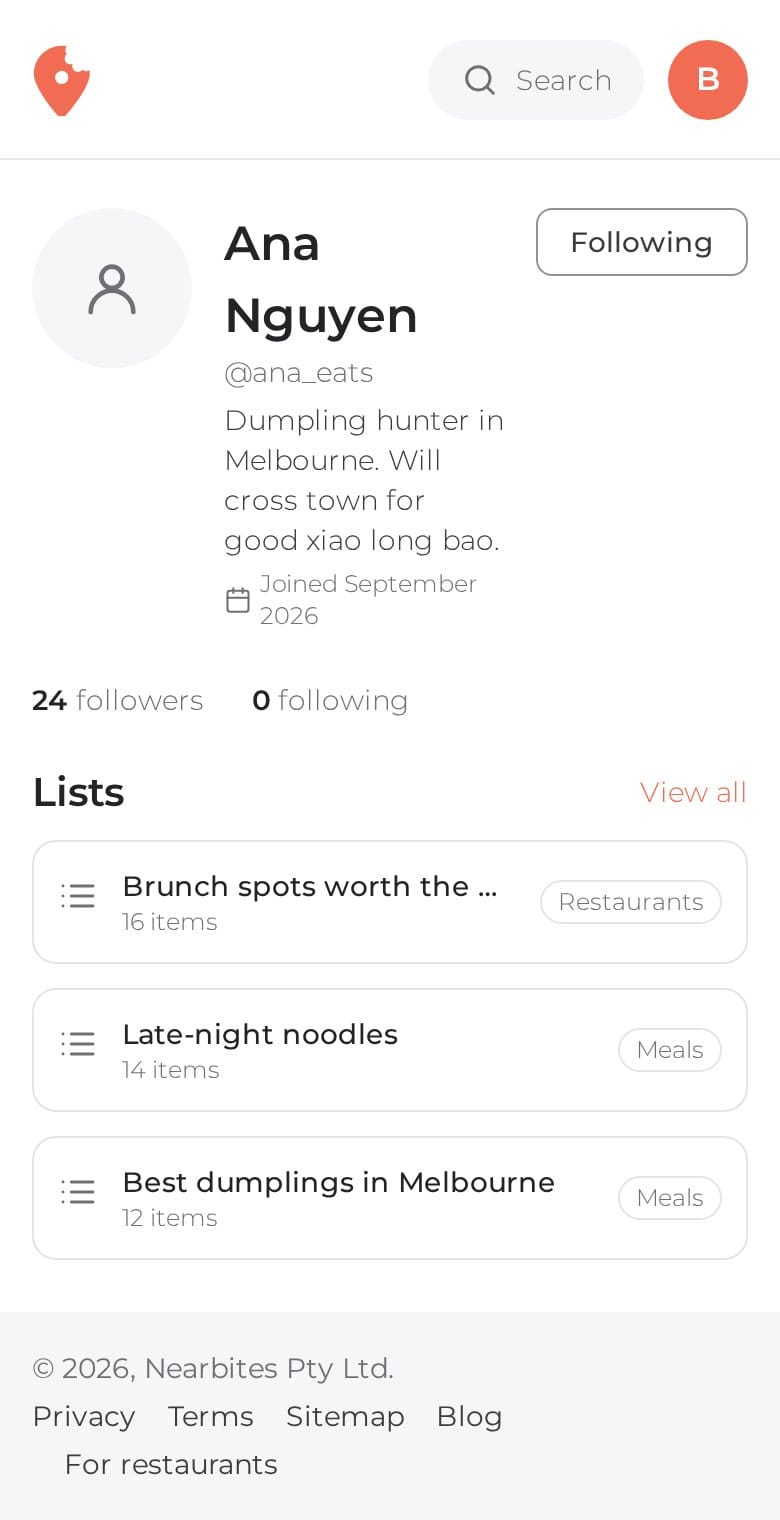
Profiles and follower lists work just as well on a phone, so you can follow someone the moment a friend shows you their list over lunch.
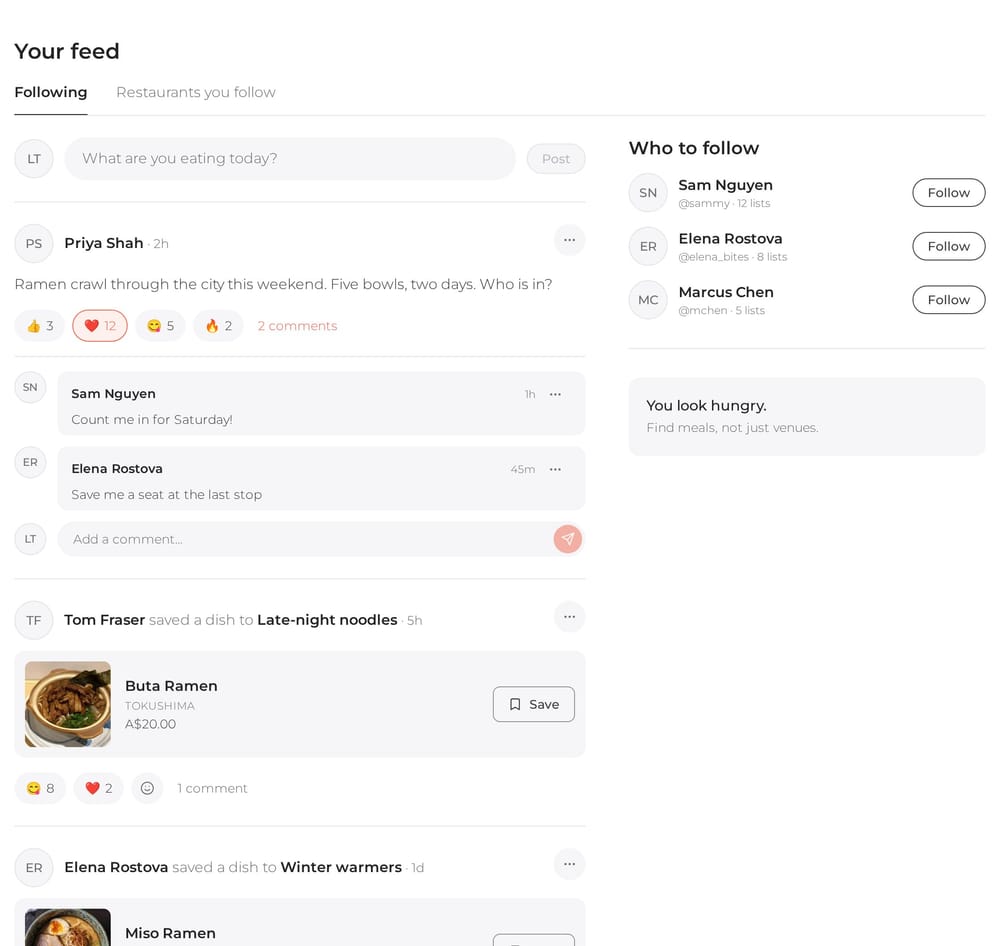
Following powers your new Nearbites feed: the posts and saved dishes of everyone you follow in one place, plus a Follow button for your favourite restaurants. Read how to save dishes and restaurants to lists, or why we put the photo first.
Product updates
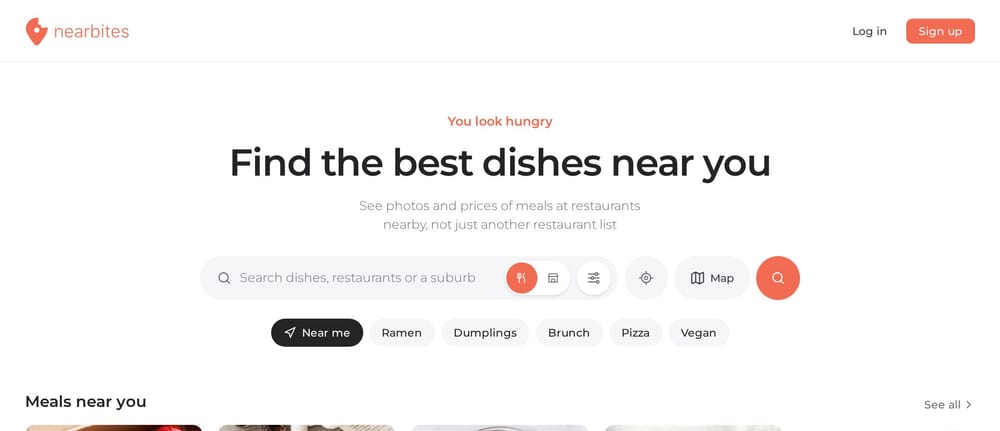
Our new homepage opens on dishes, not a list of restaurants: meals and restaurants near you, new dishes, curated food lists and top foodies, all with photos.
· 1 min read
Product updates
Your Nearbites feed shows what the people you follow are eating and saving, with photos, reactions and comments. Follow your favourite restaurants too.
· 1 min read
Product updates
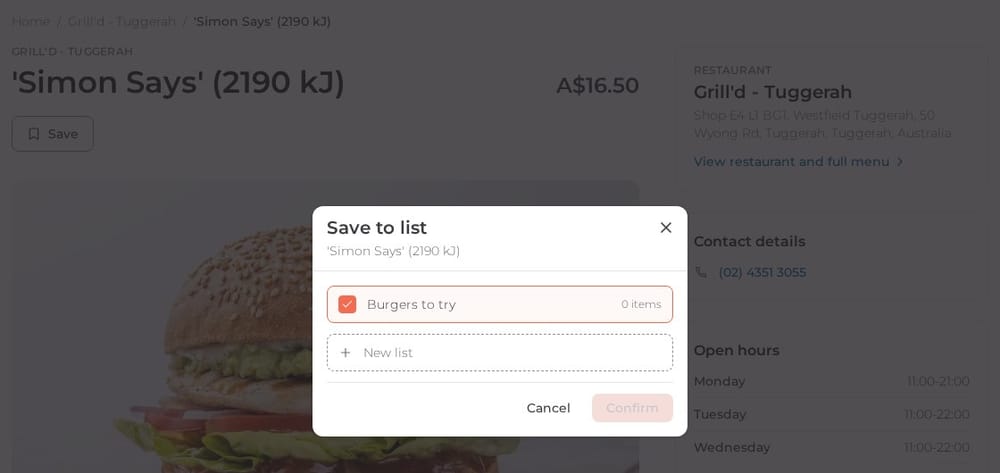
Save any dish or restaurant on Nearbites to your own lists, like Burgers to try or Date night spots. Keep them private or share them with a link.
· 1 min read