Product updates
Your Nearbites feed: see what food lovers are eating
Your Nearbites feed shows what the people you follow are eating and saving, with photos, reactions and comments. Follow your favourite restaurants too.
Product updates
Your Nearbites feed shows what the people you follow are eating and saving, with photos, reactions and comments. Follow your favourite restaurants too.
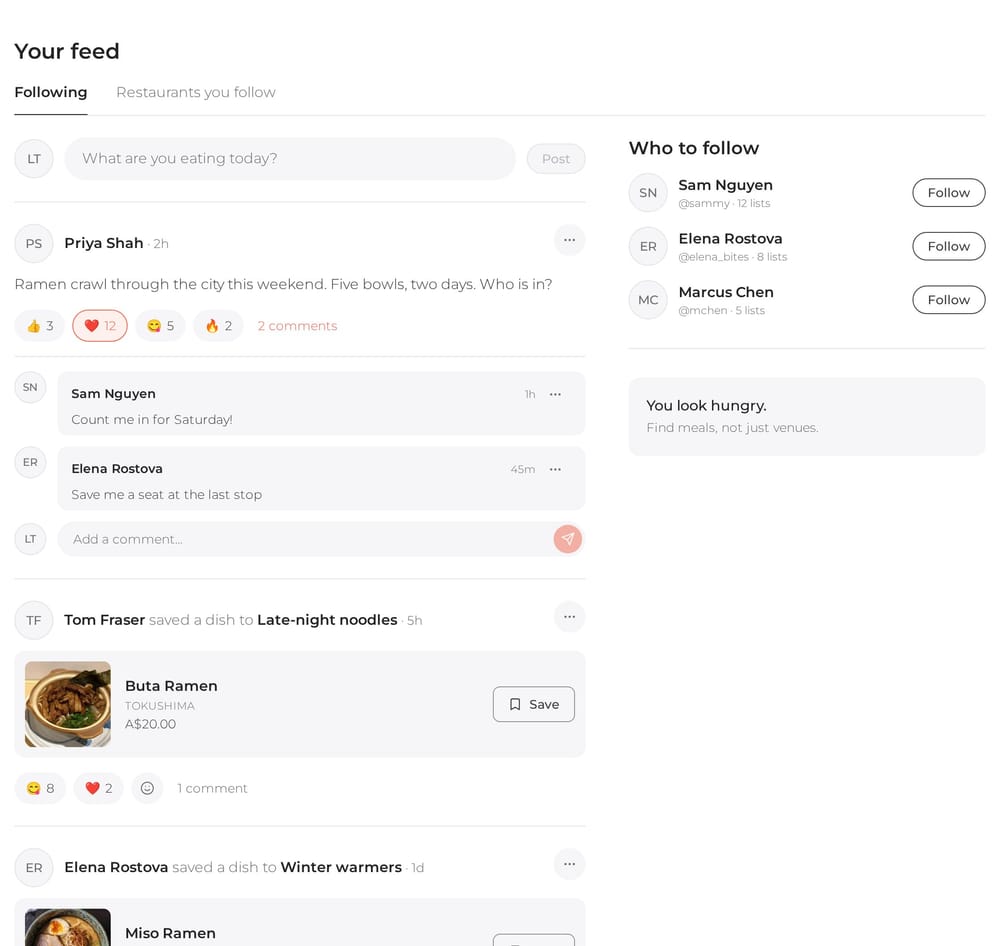
The best way to find something great to eat is still to see what the people around you are eating. A friend's late-night ramen, a colleague's new favourite dumpling spot, the burger someone saved for their next cheat day. Starting today, all of that comes together in one place: your Nearbites feed.
Open Your feed from your account menu, or go to nearbites.com/feed. The Following tab shows posts from you and the people you follow, newest first, with no algorithm deciding what you get to see.
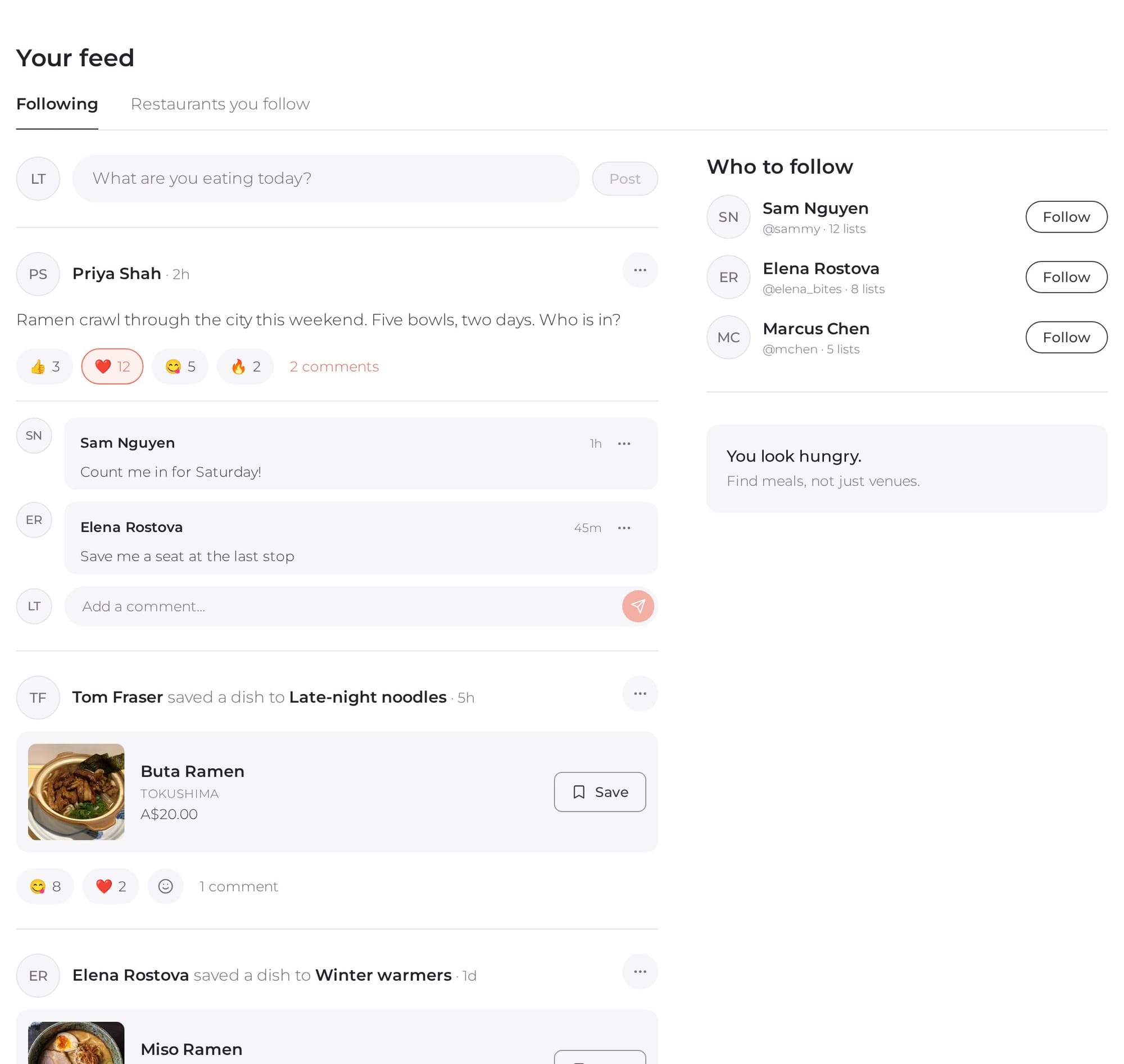
Share what you're eating, ask where to go for dinner, or plan a ramen crawl with friends. Type it into What are you eating today? and tap Post, and the people who follow you see it in their feed.
When someone you follow saves a dish or restaurant to one of their public food lists, it shows up in your feed with its photo, the restaurant and the price. A picture speaks a thousand words, so you see the food straight away, not just a name. Like the look of it? Tap Save to add it to your own list, or tap the dish to see the full menu.
Only public lists appear in the feed. Anything you save to a private list stays private.
Every post can take a reaction: 👍, ❤️, 😋 or 🔥. Tap one to add yours and tap it again to take it back. Tap Comment to join the conversation. You can delete your own posts and comments at any time, and comments left on your posts too.
Not following anyone yet? Who to follow suggests food lovers with public lists, starting with people your friends follow. Tap Follow and their posts and saves join your feed. Read more about profiles and following.
Restaurant pages now have a Follow button too, right next to Save. Follow the places you keep coming back to, and find them all under Restaurants you follow in your feed.

Soon, restaurants that claim their listing on Nearbites will be able to share news, specials and 24-hour photo stories with their followers, and they'll appear in that tab and on the restaurant's page.
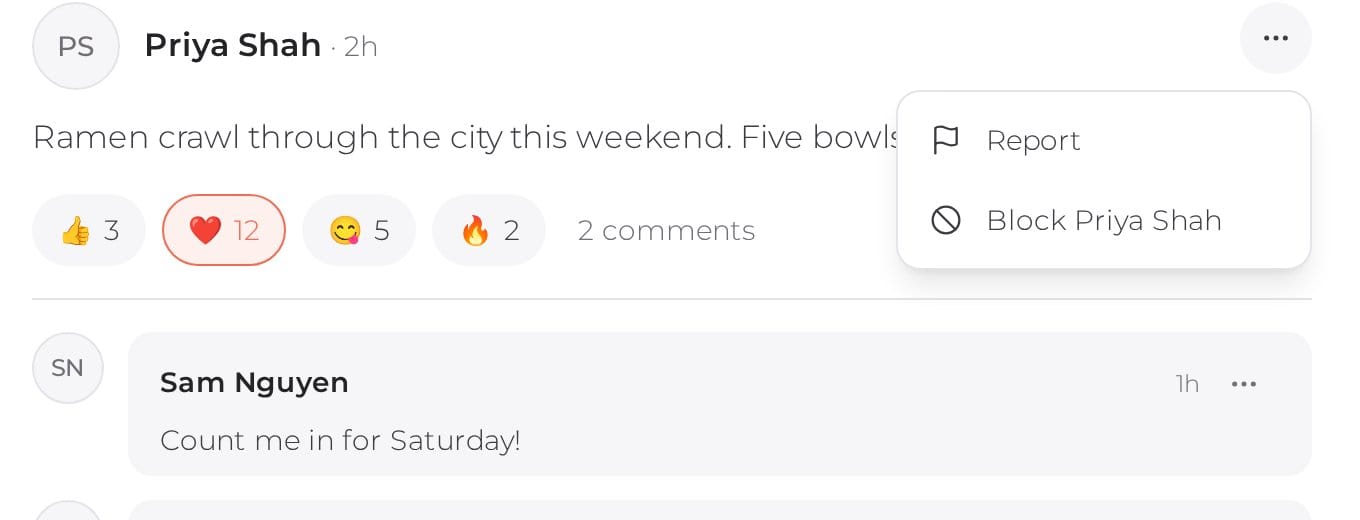
Every post and comment has a menu with Report and Block. Reports go straight to the Nearbites team. When you block someone, their posts and comments disappear for you, they can no longer see yours, and you stop following each other.
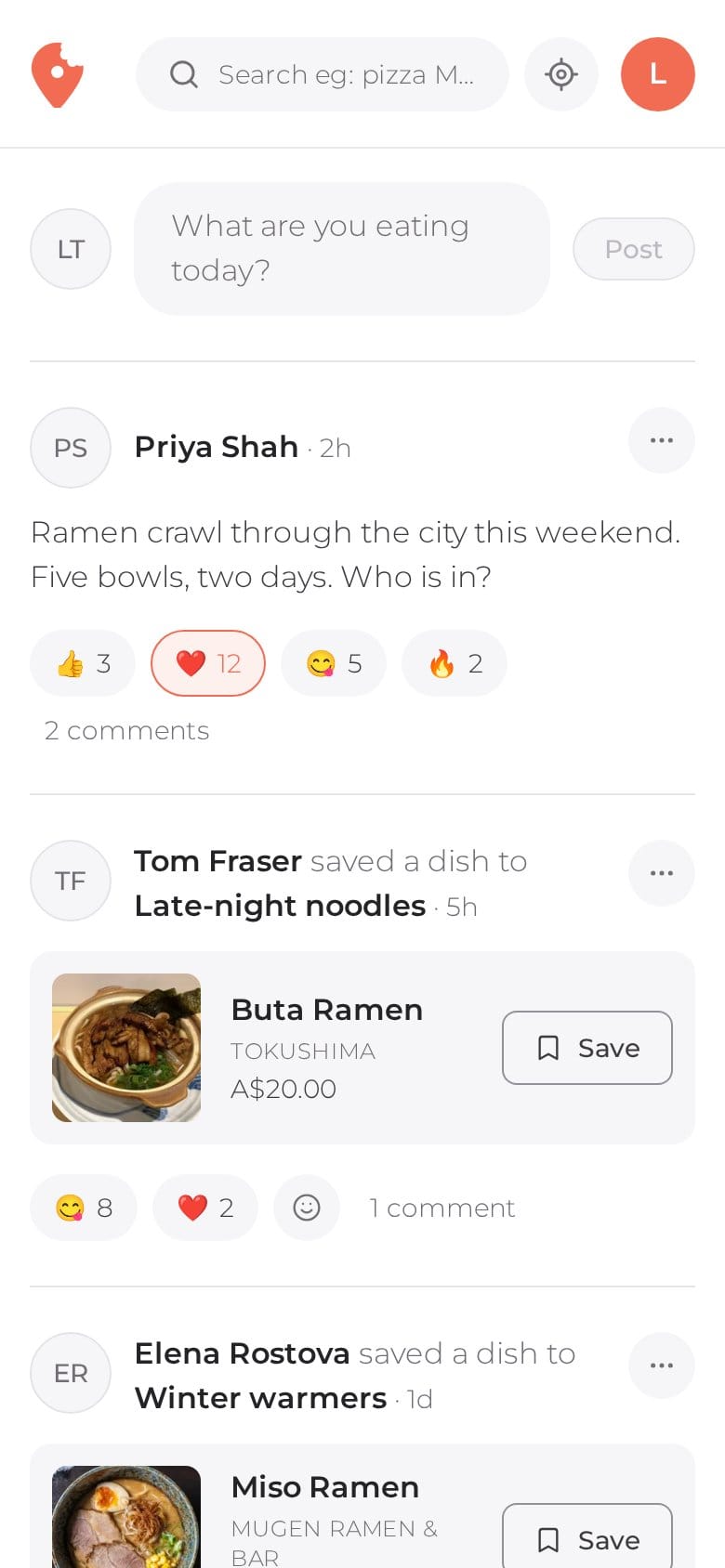
The feed works just as well on a phone, so you can check what your friends are eating on the way to lunch and save a dish before you forget it.
Nearbites is built in Melbourne for food lovers everywhere, and we're starting with mostly Australian restaurants. Want to find something to eat right now? Search dishes near you, or read about the new search and map.
Product updates
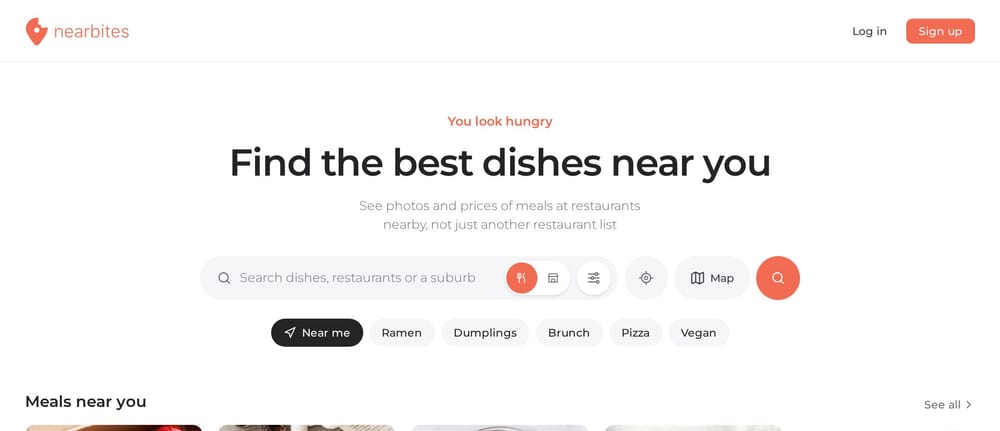
Our new homepage opens on dishes, not a list of restaurants: meals and restaurants near you, new dishes, curated food lists and top foodies, all with photos.
· 1 min read
Product updates
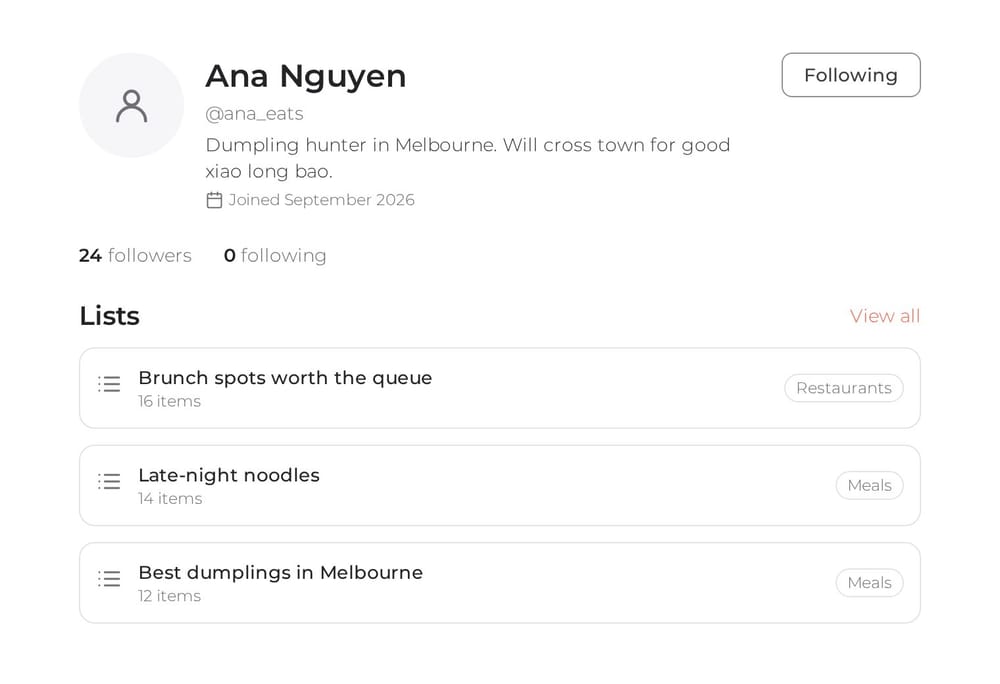
Every Nearbites diner now has a public profile with their food lists. Follow the people whose taste you trust and see who follows you.
· 1 min read
Product updates
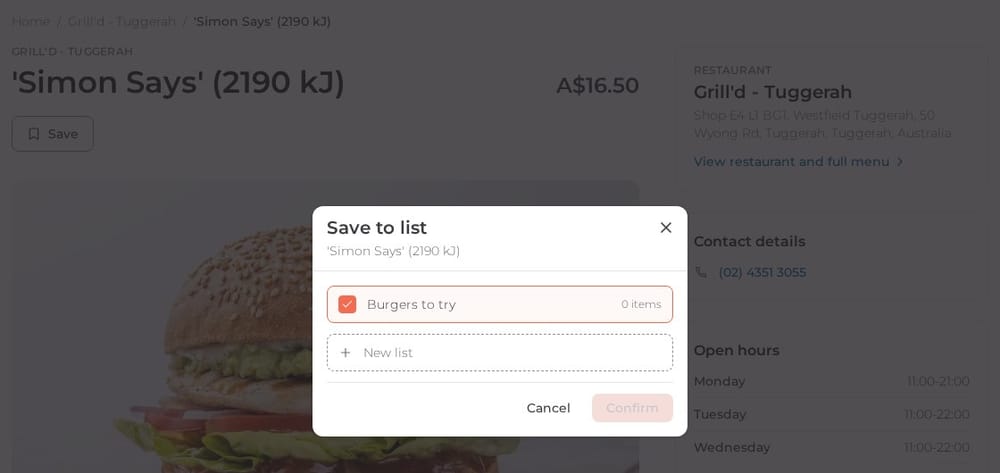
Save any dish or restaurant on Nearbites to your own lists, like Burgers to try or Date night spots. Keep them private or share them with a link.
· 1 min read