Product updates
New restaurant and dish pages: see every dish first
Redesigned restaurant and dish pages put the food photo first, with the full menu, opening hours, map, phone and delivery links on one screen.
Product updates
Redesigned restaurant and dish pages put the food photo first, with the full menu, opening hours, map, phone and delivery links on one screen.
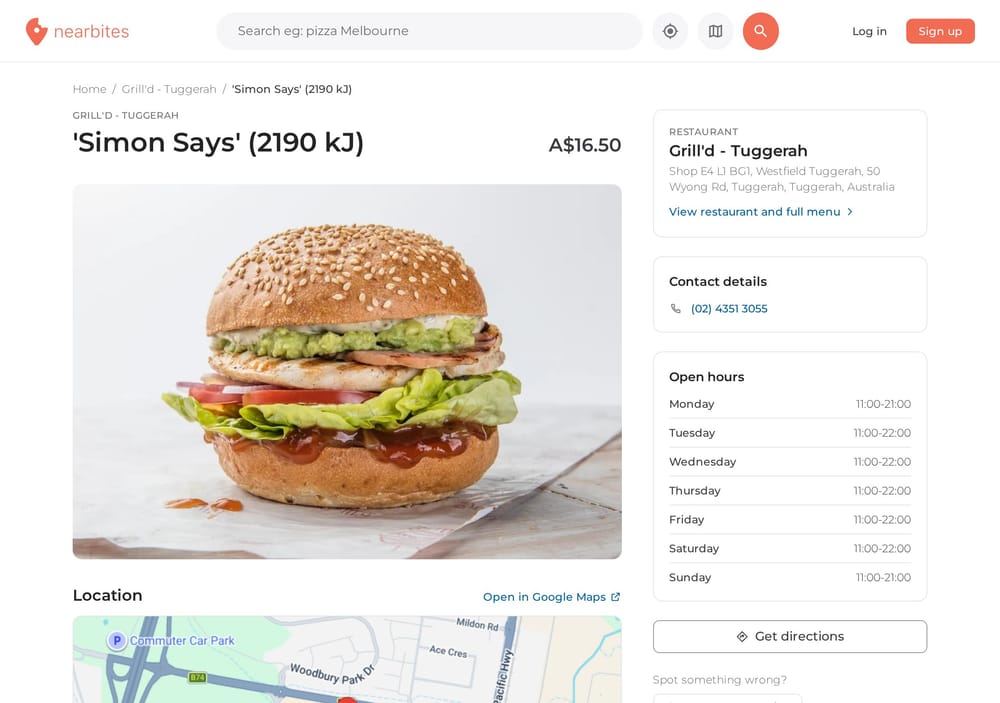
When you find a dish you like the look of, the next questions come quickly. Where is it? Are they open right now? Can I get it delivered? What else is on the menu? Today we're launching redesigned restaurant and dish pages on Nearbites that answer all of that on one screen, with the food photos front and centre.
We built Nearbites on a simple idea: when you're deciding what to eat, you need to see it. So the new dish page opens with a big photo of the meal, its name and its price, before anything else.

Right beside the photo you'll find everything you need to decide whether to go:
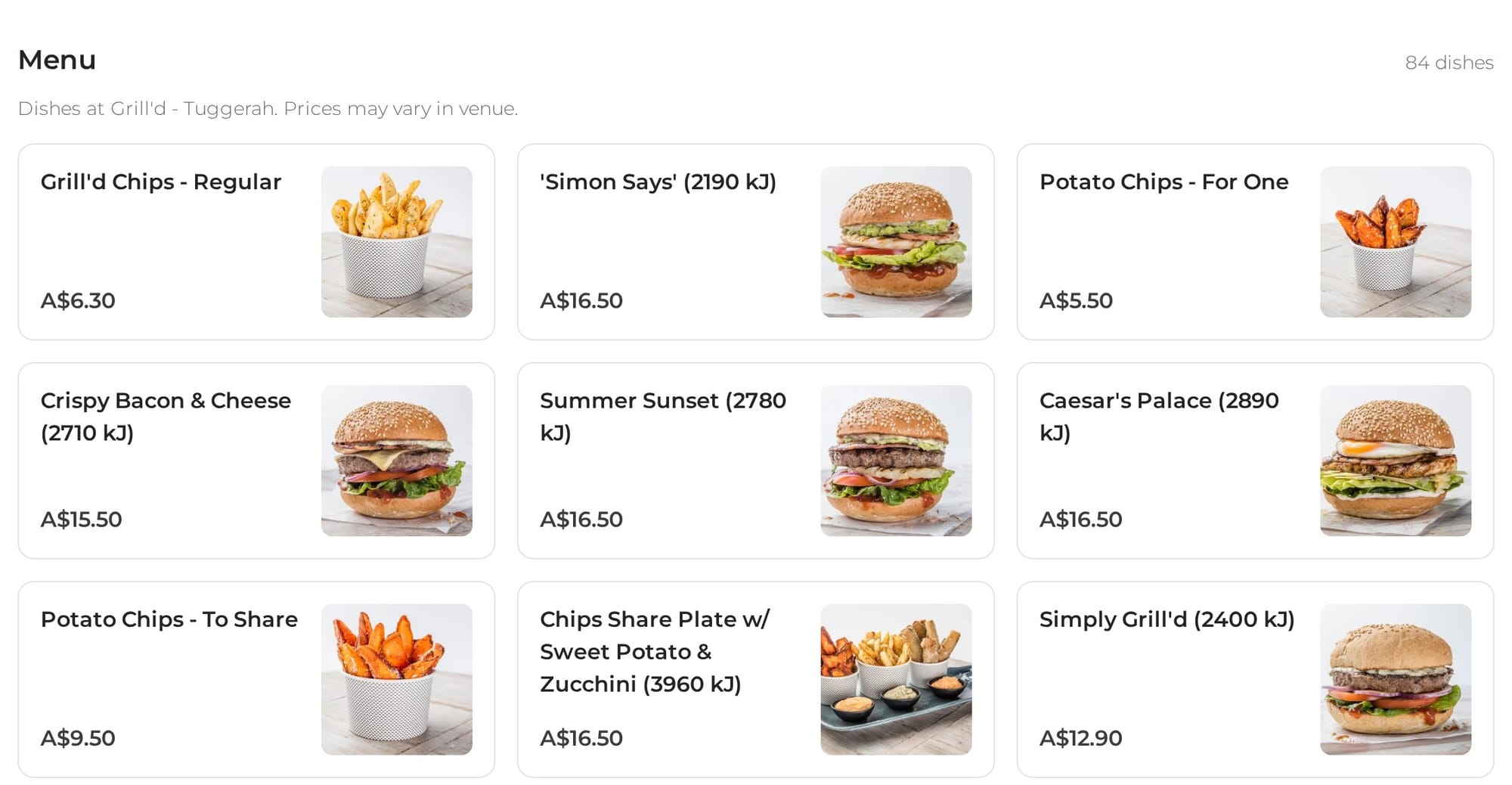
Most restaurant listings stop at the address and a star rating. On Nearbites the restaurant page is built around its menu. Every dish is shown as a card with its photo and price, so you can scan the whole menu in seconds and spot the thing you're craving.
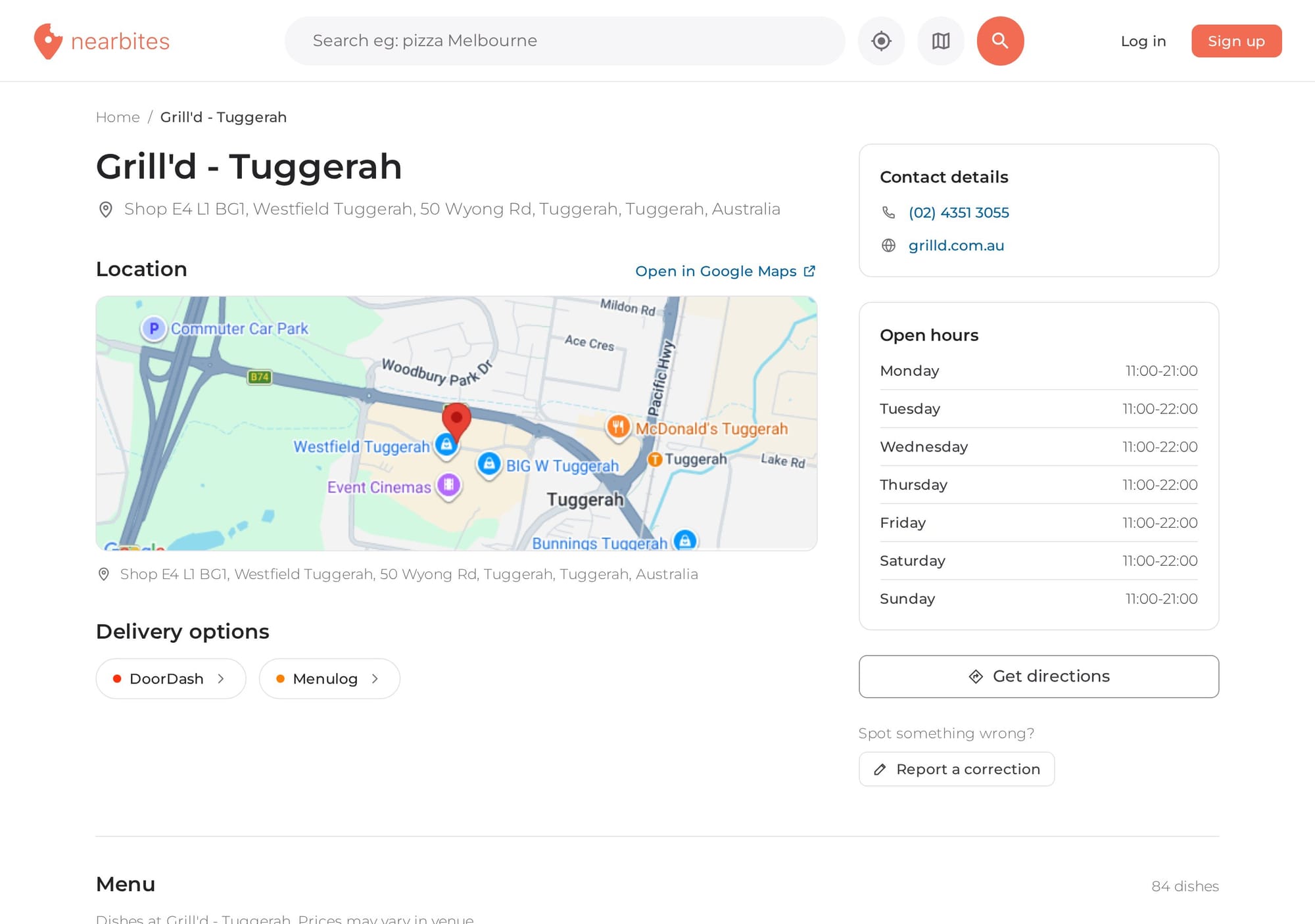
Above the menu, the page brings together the practical details: where the restaurant is on the map, its contact details and website, its hours, and the delivery apps it's on.
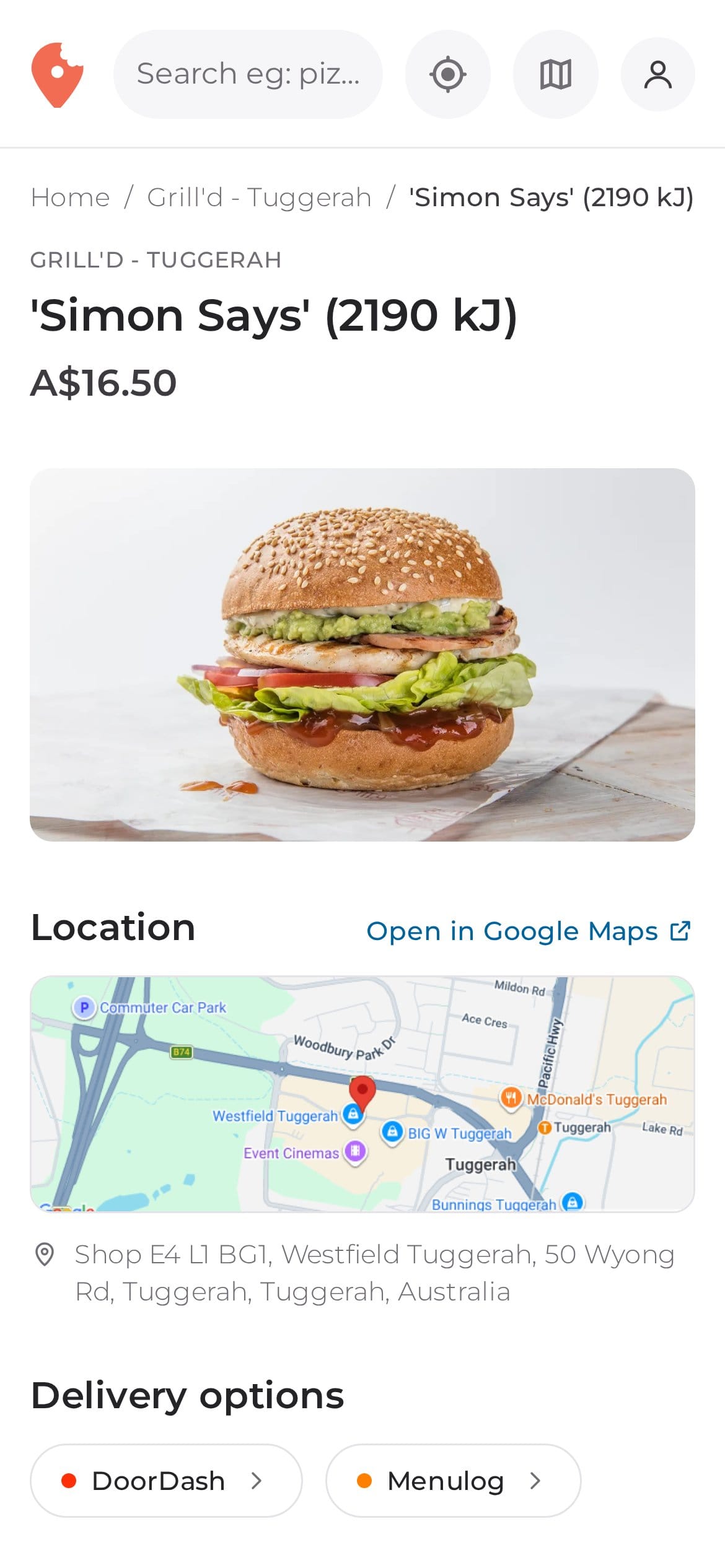
Most of the time you're looking for food while you're out, so the new pages were designed for phones first. On a small screen everything stacks into a single column in the order you need it: the dish, the price, where it is and how to get it.
Menus and opening hours change all the time. If a price is out of date, the hours are wrong or a place has closed, sign in and use Report a correction on any restaurant or dish page. Every report is checked by a person, and it's one of the best ways to help other food lovers.
These pages are the foundation for the next big step: menus straight from the restaurants themselves. We're working on letting owners claim their listing and keep it up to date. Once that's live, restaurant pages will also show the owner's own photos and description, and menus will be organised into the sections you'd see in the restaurant, like starters, mains and desserts.
New to Nearbites? Read why we put the photo first, or create a free account so you can report corrections.
Search for a dish you're craving at nearbites.com and open any result to see the new pages. Tell us what you think.
Product updates
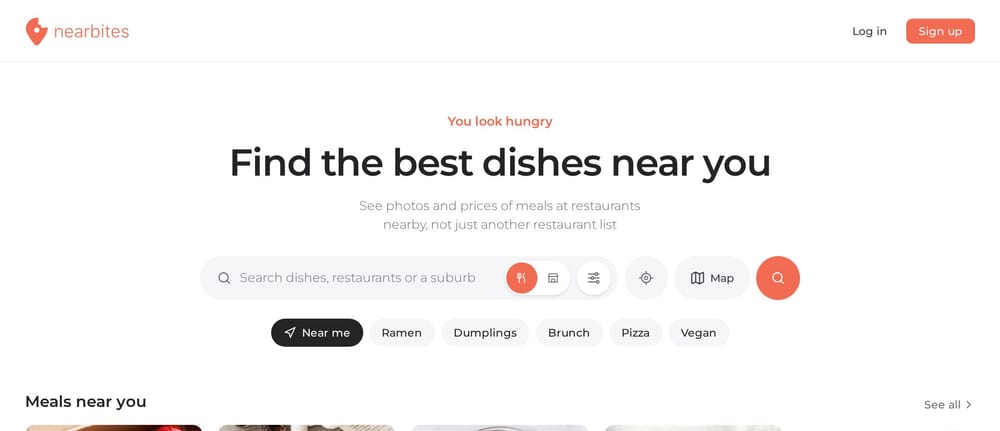
Our new homepage opens on dishes, not a list of restaurants: meals and restaurants near you, new dishes, curated food lists and top foodies, all with photos.
· 1 min read
Product updates
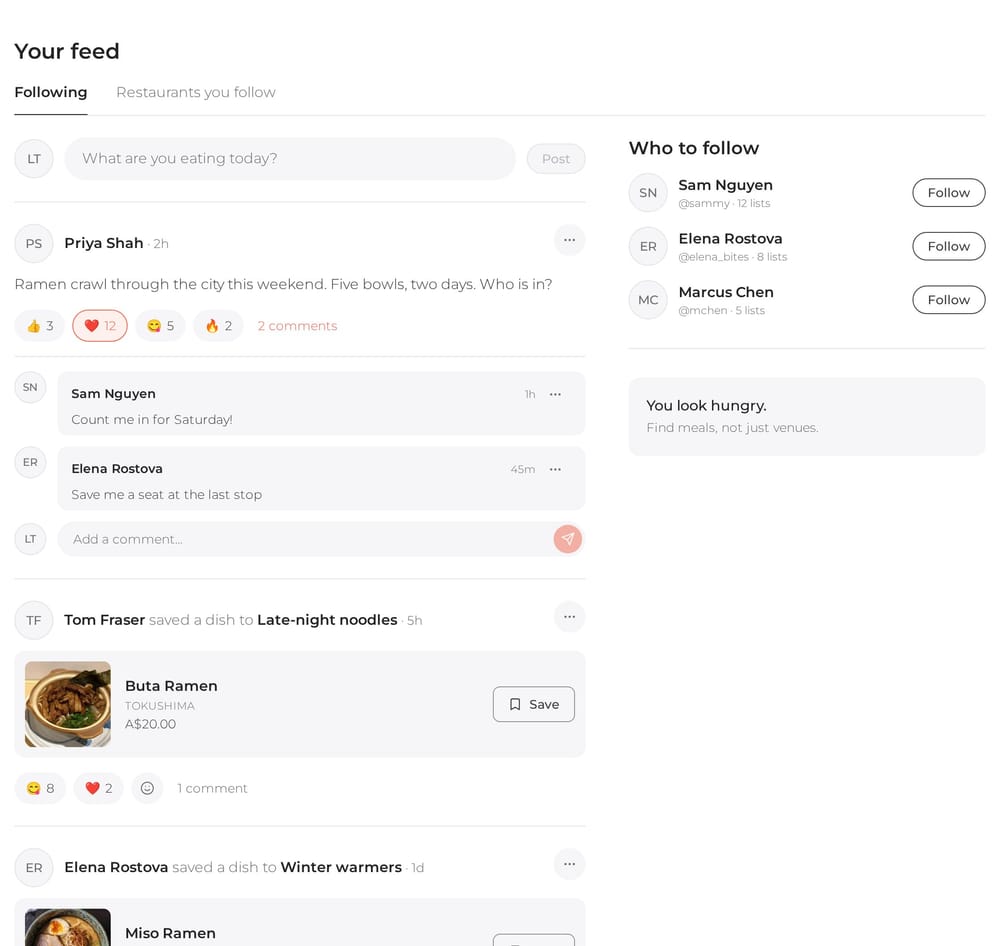
Your Nearbites feed shows what the people you follow are eating and saving, with photos, reactions and comments. Follow your favourite restaurants too.
· 1 min read
Product updates
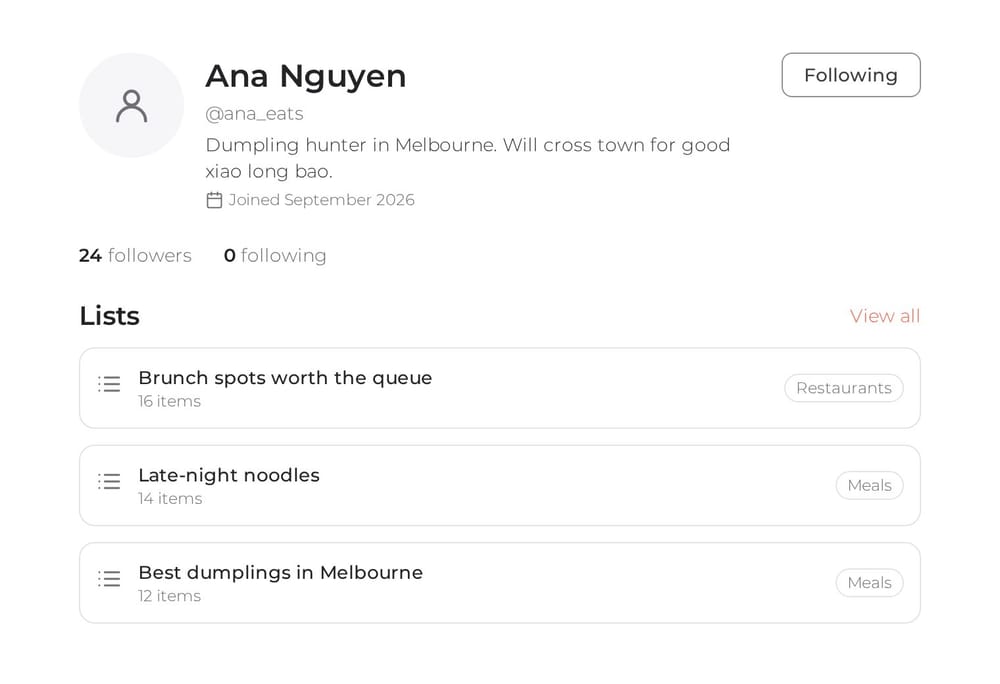
Every Nearbites diner now has a public profile with their food lists. Follow the people whose taste you trust and see who follows you.
· 1 min read