Product updates
Find food near you with the new Nearbites search and map
One search box for dishes, restaurants and suburbs, clearer results for your suburb and nearby, new filters and a map of dish photos.
Product updates
One search box for dishes, restaurants and suburbs, clearer results for your suburb and nearby, new filters and a map of dish photos.

Choosing what to eat starts with seeing it. That's why every result on Nearbites leads with a photo of the dish, not a star rating or a wall of text. Today we're launching a rebuilt search that makes those photos easier to find: one search box for dishes, restaurants and suburbs, clearer results for your suburb and the ones around it, new filters, and a map you can browse.
The search box now sits at the top of every page. Start typing and suggestions appear straight away, grouped into suburbs, dishes and restaurants, with what you typed always offered as a keyword. Pick as many as you like. They become chips in the box, so a search like dumplings in Melbourne is two taps, and nothing runs until you press Search.
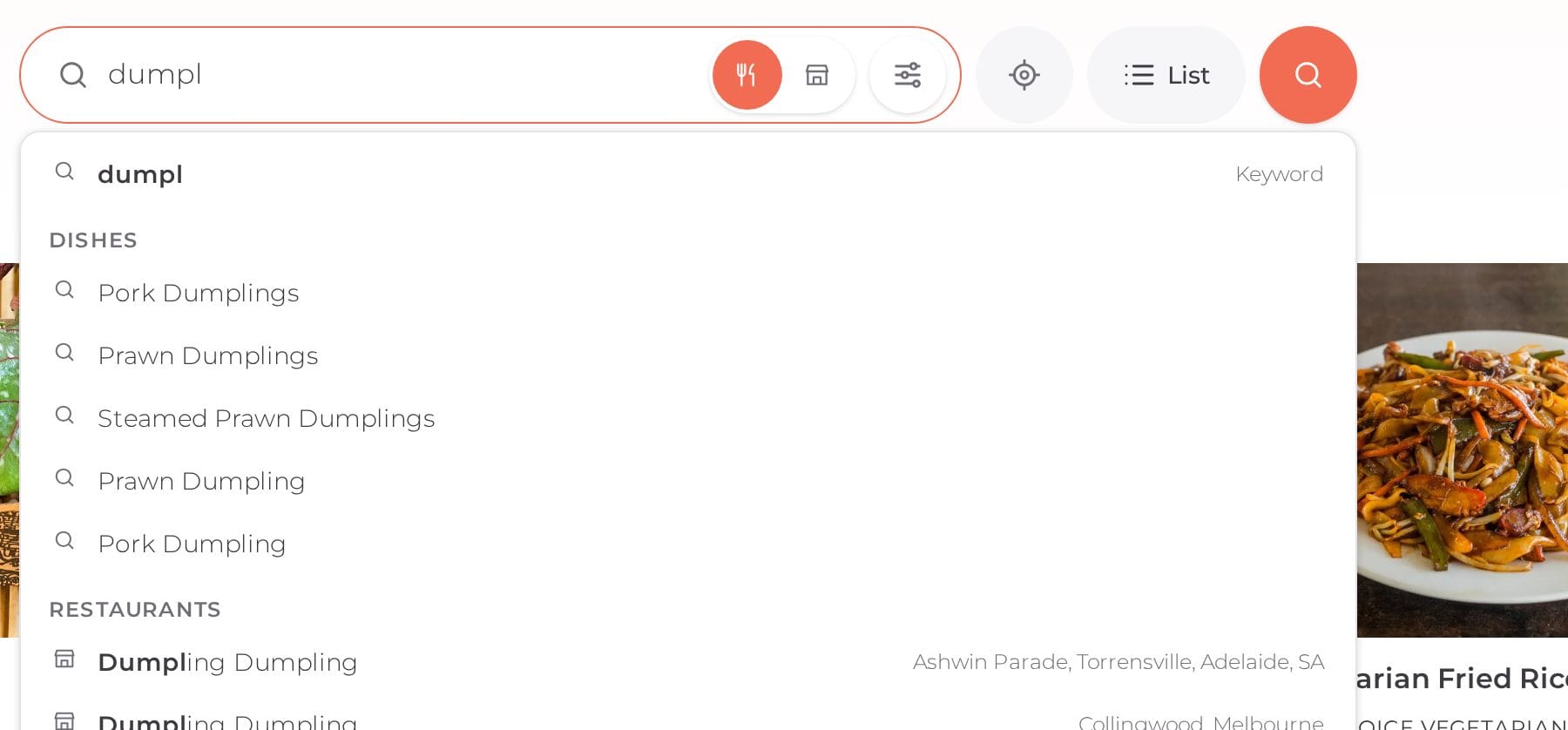
Next to the box you can switch between Meals and Restaurants, open the filters, search near your current location, and choose between the list and the map.
When you search a suburb, the results show what's in that suburb first, then nearby suburbs under their own heading, with a count for each, like 2 dishes in Fitzroy North · 670 nearby. If a suburb has nothing for what you're after, we say so plainly and show what's close by instead, so you're never left looking at an empty page.
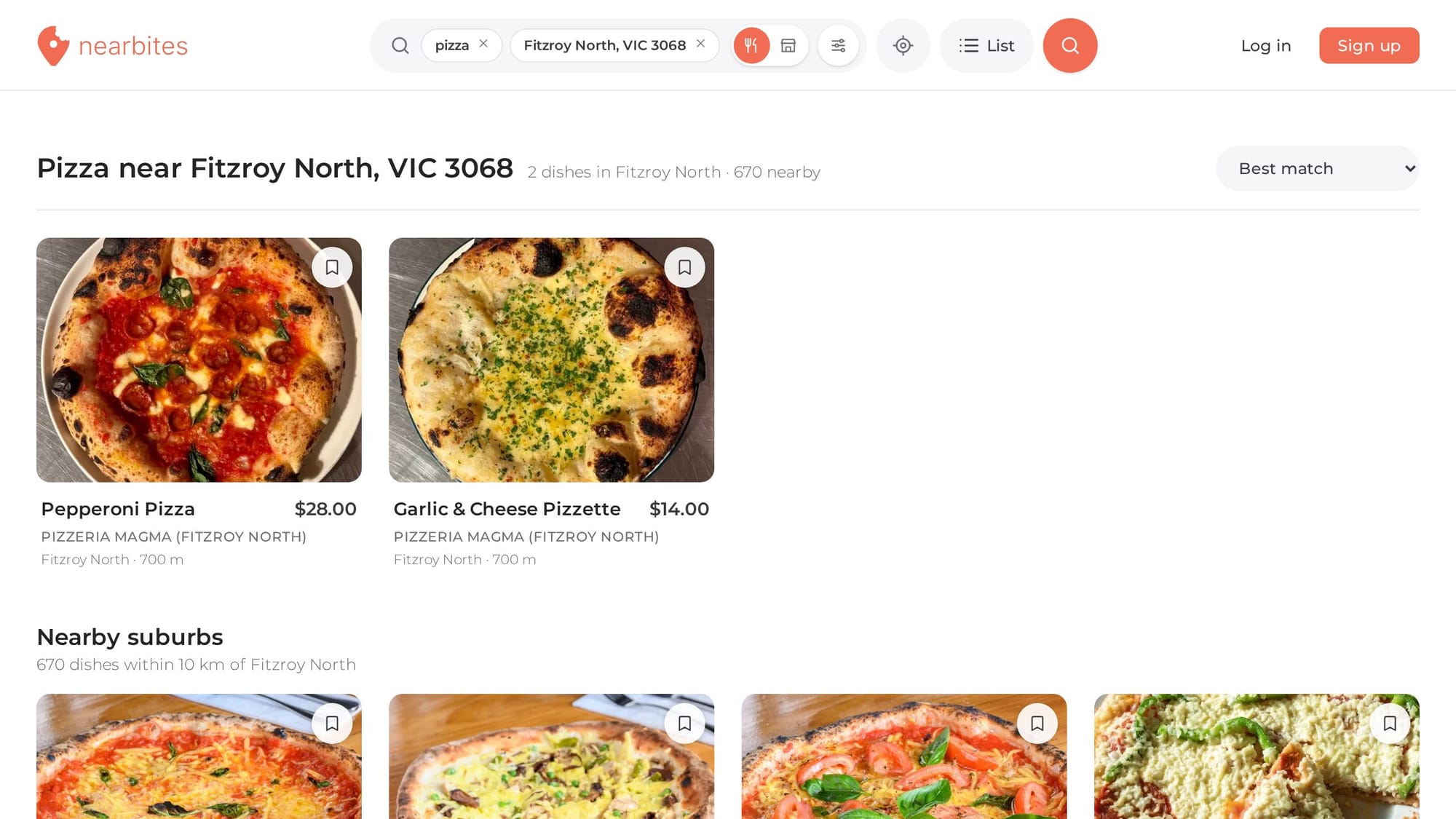
Searches reach up to 10 km from the suburb or your location. Typing a suburb that exists in more than one state, like Richmond or Fitzroy, takes you to the one near you. Results within a suburb are grouped so one restaurant can't fill the whole page.
Open Filters to set a price range, choose how far to look (1 to 10 km), and switch on what matters to you:
The button at the bottom tells you how many dishes match before you apply anything, and every filter you turn on shows up as a tag above the results, ready to remove with one tap.

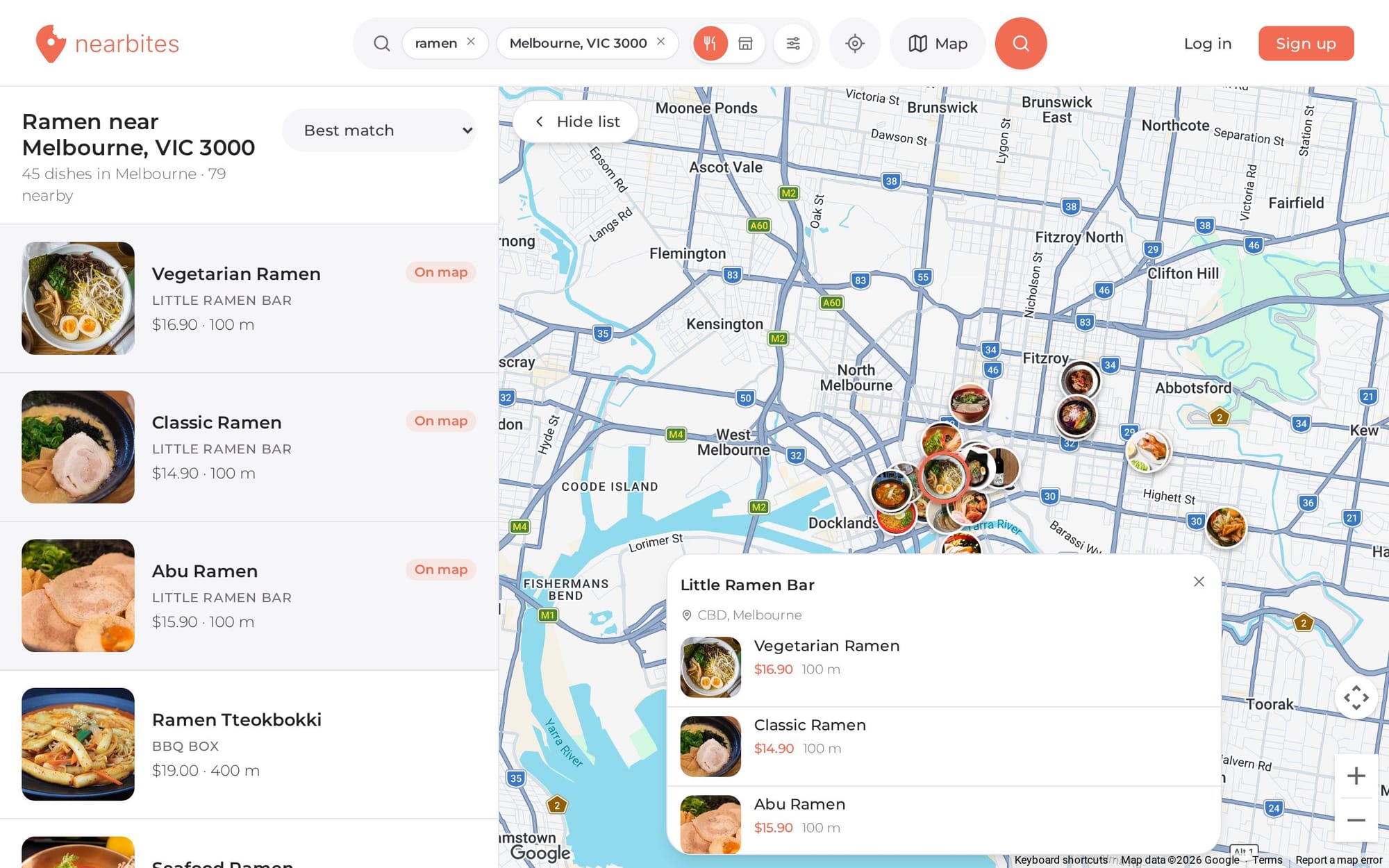
Switch to the map to see where the food is. Each restaurant shows up as a photo of one of its dishes. Tap one to see its matching dishes and prices, then open the restaurant or the dish. Move or zoom the map and the results follow. On a bigger screen the list sits beside the map, and picking a dish in the list shows you where it is.
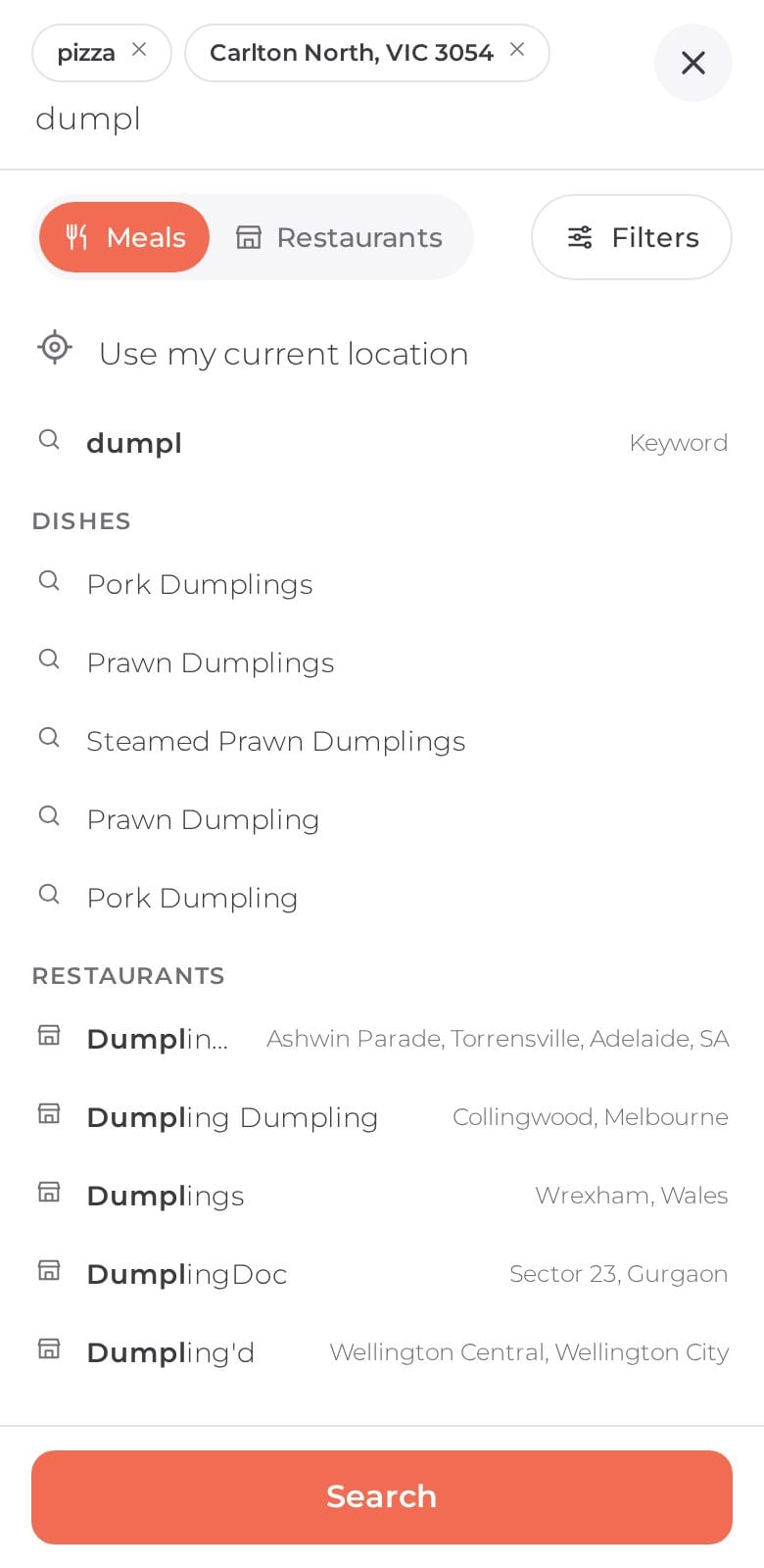
On a phone the header keeps it simple: a search bar and a location button. Tap the bar and search opens full screen, with your chips, suggestions as you type, Meals or Restaurants, and Use my current location. Tap Filters to choose between the list and the map, set your filters, and see how many dishes match. The location button beside the bar searches near you in one tap.
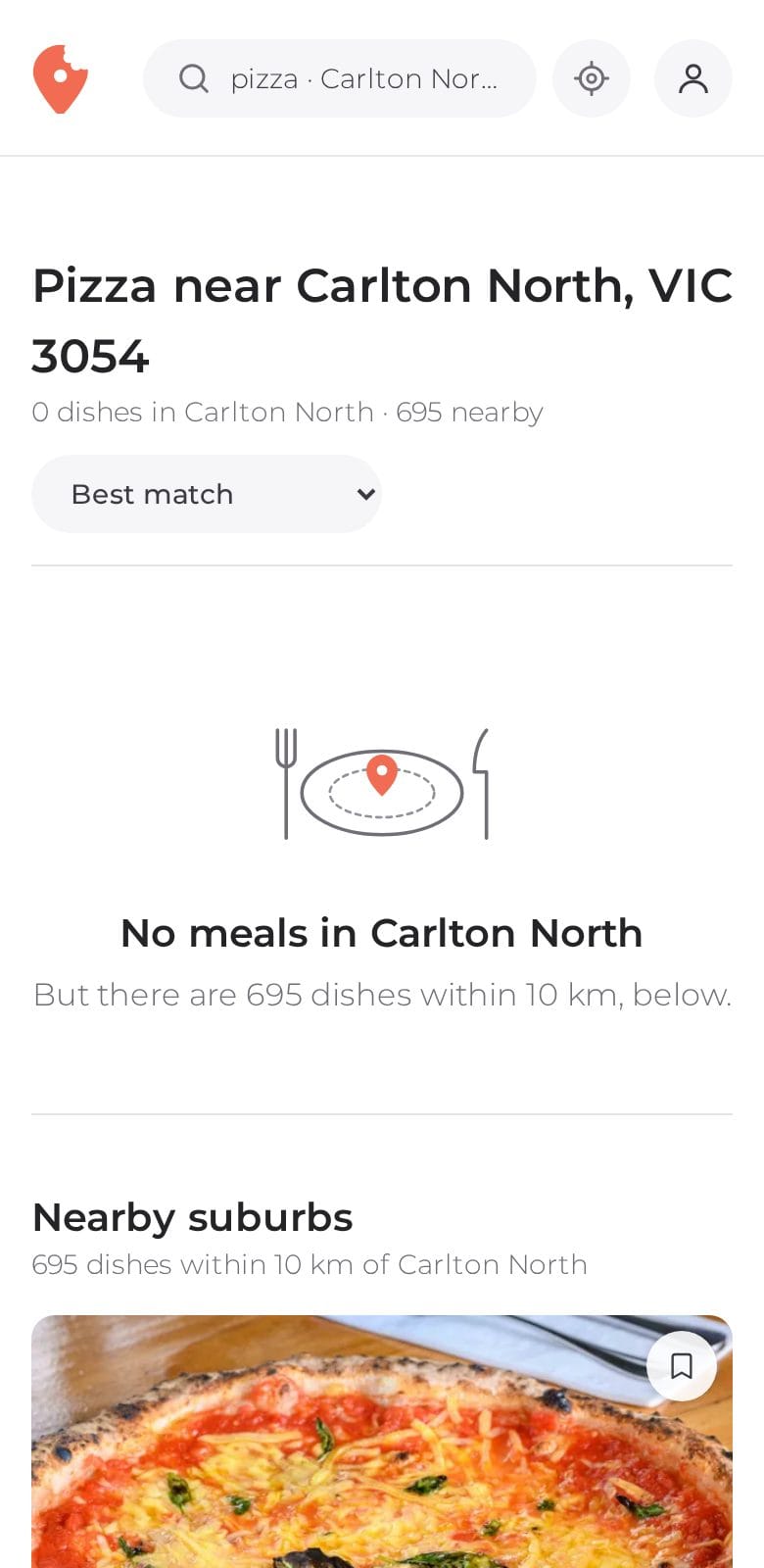
Nearbites is starting with mostly Australian restaurants, and search works for food lovers anywhere. Tap the location button to see what's near you.
We're adding opening hours for more restaurants so Open now covers more places, and working on a feed of dishes from the people and restaurants you follow. In the meantime, see our new restaurant and dish pages, or read why we put the photo first.
Product updates
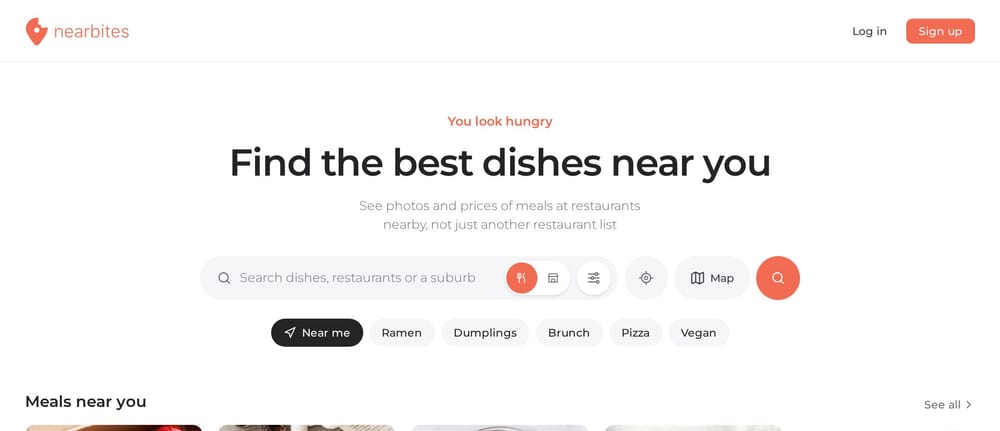
Our new homepage opens on dishes, not a list of restaurants: meals and restaurants near you, new dishes, curated food lists and top foodies, all with photos.
· 1 min read
Product updates
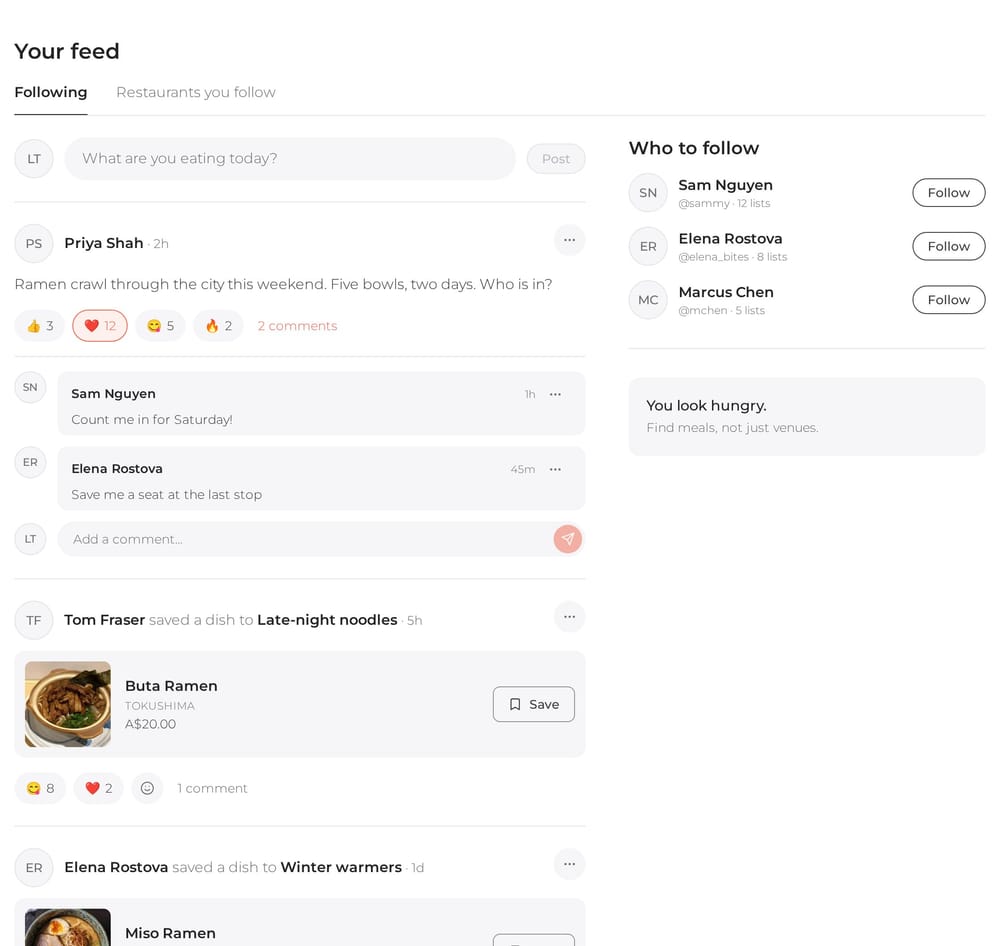
Your Nearbites feed shows what the people you follow are eating and saving, with photos, reactions and comments. Follow your favourite restaurants too.
· 1 min read
Product updates
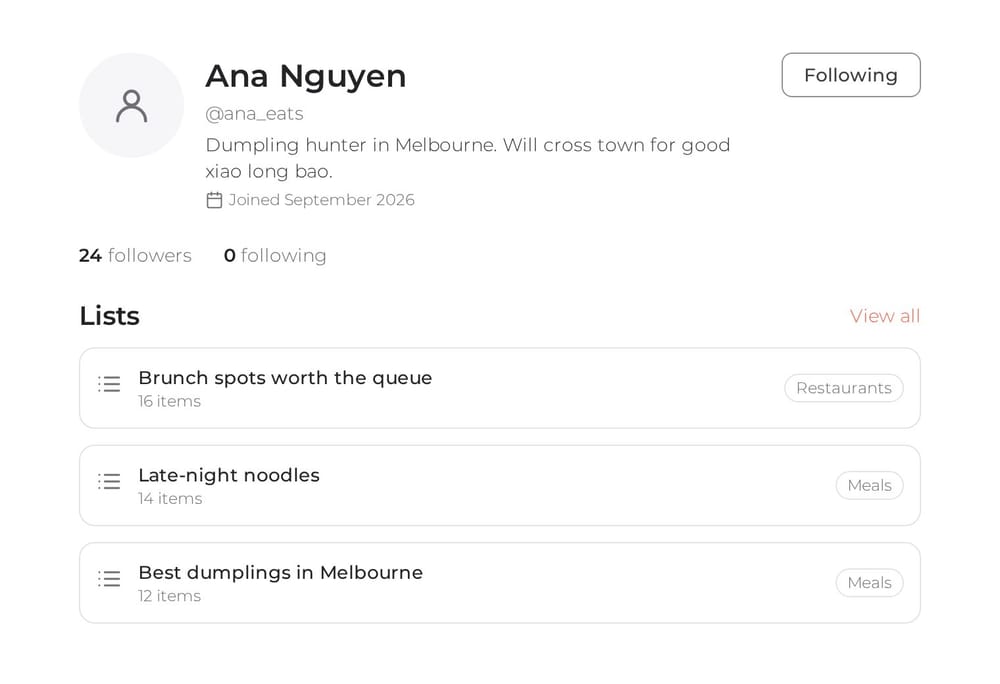
Every Nearbites diner now has a public profile with their food lists. Follow the people whose taste you trust and see who follows you.
· 1 min read