Product updates
Save the dishes you love to lists
Save any dish or restaurant on Nearbites to your own lists, like Burgers to try or Date night spots. Keep them private or share them with a link.
Product updates
Save any dish or restaurant on Nearbites to your own lists, like Burgers to try or Date night spots. Keep them private or share them with a link.
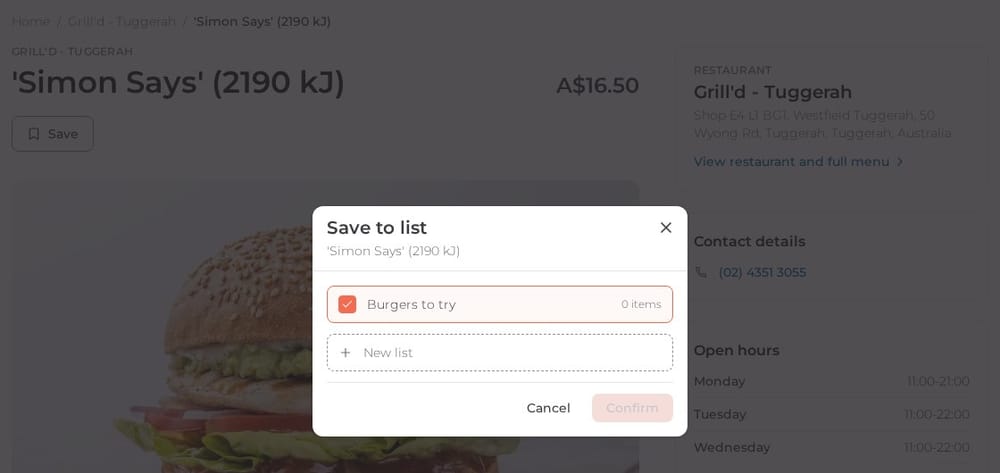
You spot a dish that looks amazing, but it's not dinner time yet. Or a friend mentions a dumpling place you have to try one day. Until now you had to remember it, or screenshot it and hope you'd find it again. Now you can save it on Nearbites, straight to a list.
Every dish page and restaurant page now has a Save button. Tap it and choose which of your lists it belongs on. You can tick more than one, or make a new list on the spot.
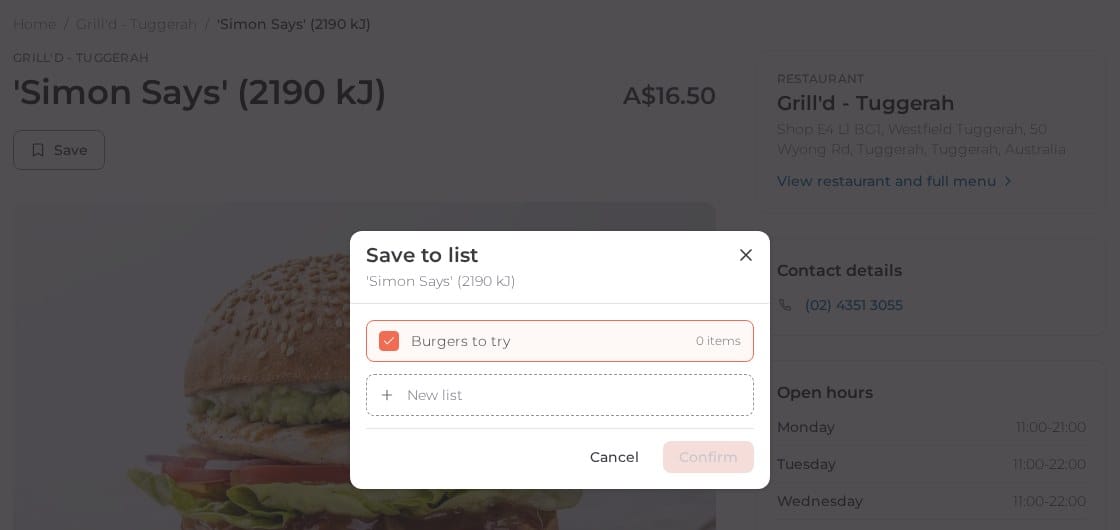
Once something is on a list, the button changes to Saved, so you always know what you've already kept.
Make as many lists as you like, for dishes or for restaurants:
Your lists show each dish with its photo, price and the restaurant that makes it, because when you come back to a list you want to see the food, not just a name.
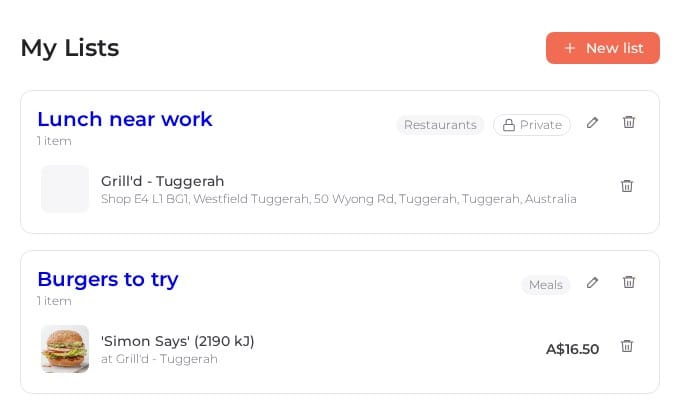
New lists are public, so you can share them with friends: every list has its own link. Prefer to keep one to yourself? Make it private and only you will see it. You can rename a list, switch it between public and private, or delete it at any time.
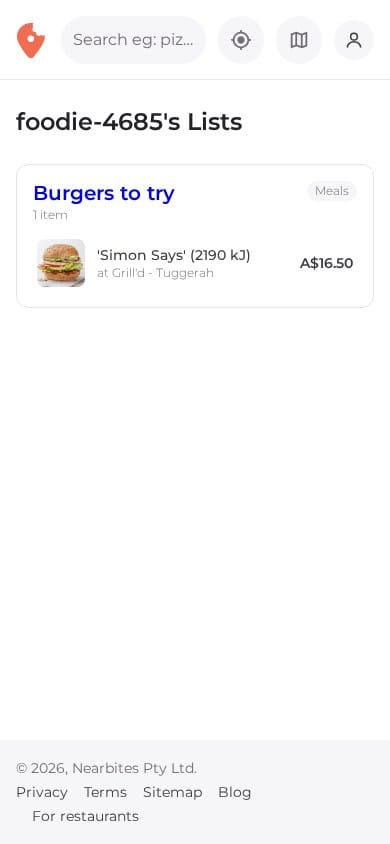
Lists are where Nearbites gets social. You can now follow other food lovers and see their public lists, and the dishes they save show up in your feed. Read more about why we put the photo first, or see the new restaurant and dish pages where the Save button lives.
Product updates
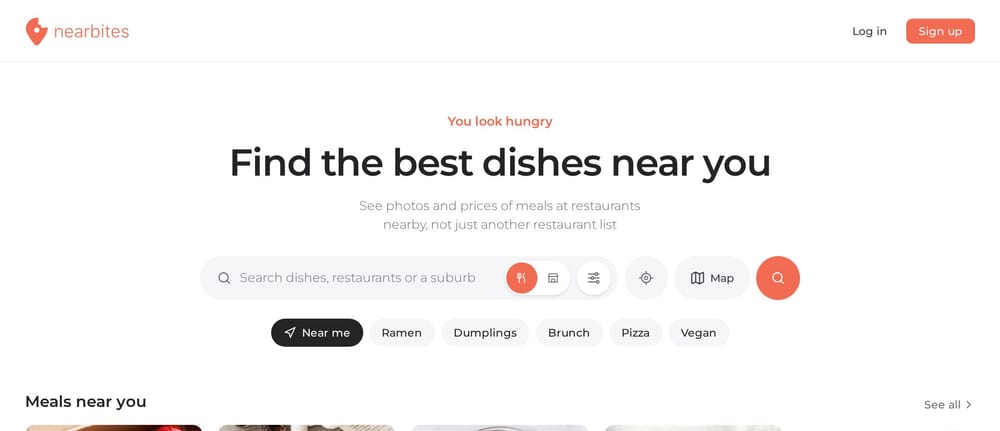
Our new homepage opens on dishes, not a list of restaurants: meals and restaurants near you, new dishes, curated food lists and top foodies, all with photos.
· 1 min read
Product updates
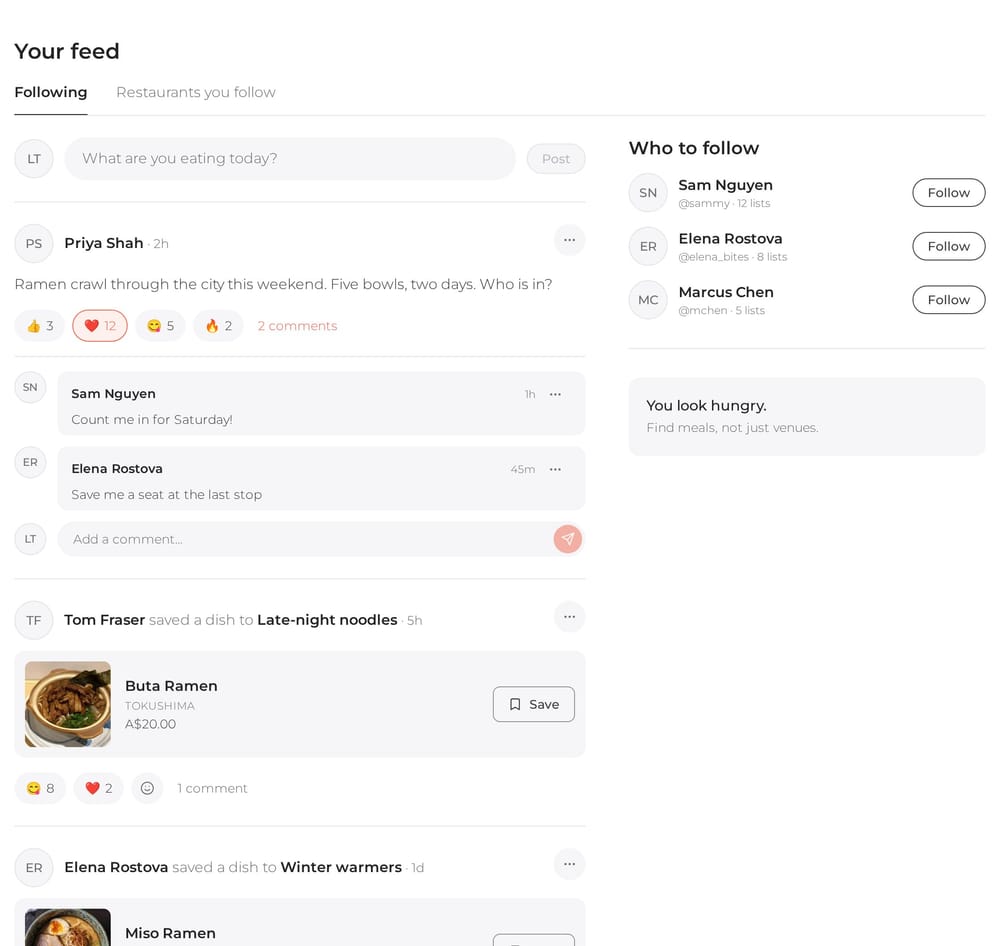
Your Nearbites feed shows what the people you follow are eating and saving, with photos, reactions and comments. Follow your favourite restaurants too.
· 1 min read
Product updates
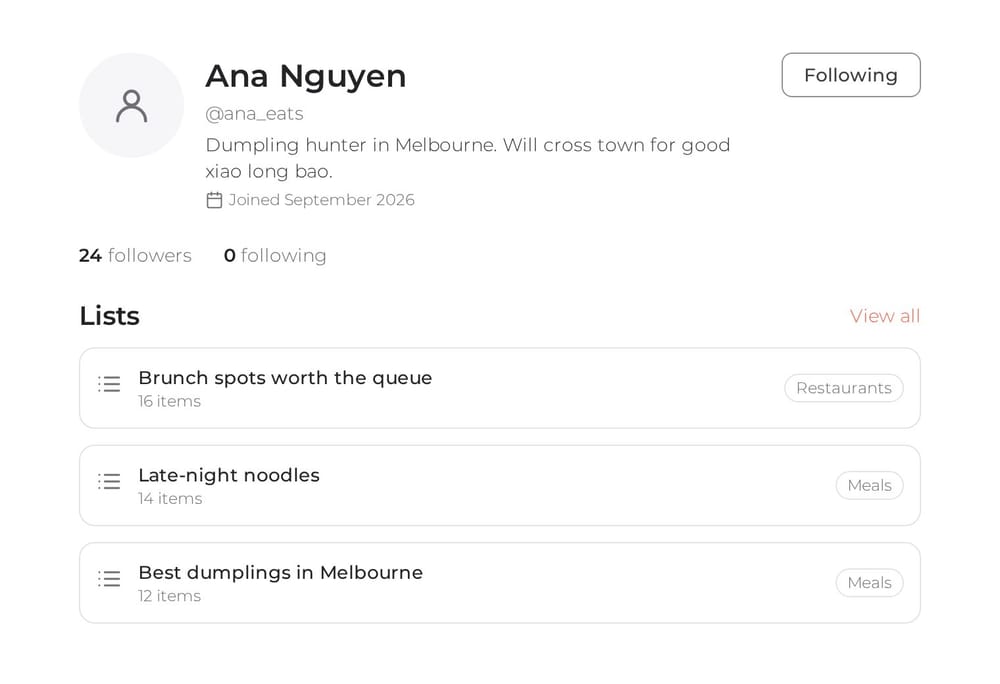
Every Nearbites diner now has a public profile with their food lists. Follow the people whose taste you trust and see who follows you.
· 1 min read